T-Mobile Live Translation vs. apps: Which one will your mom actually use?
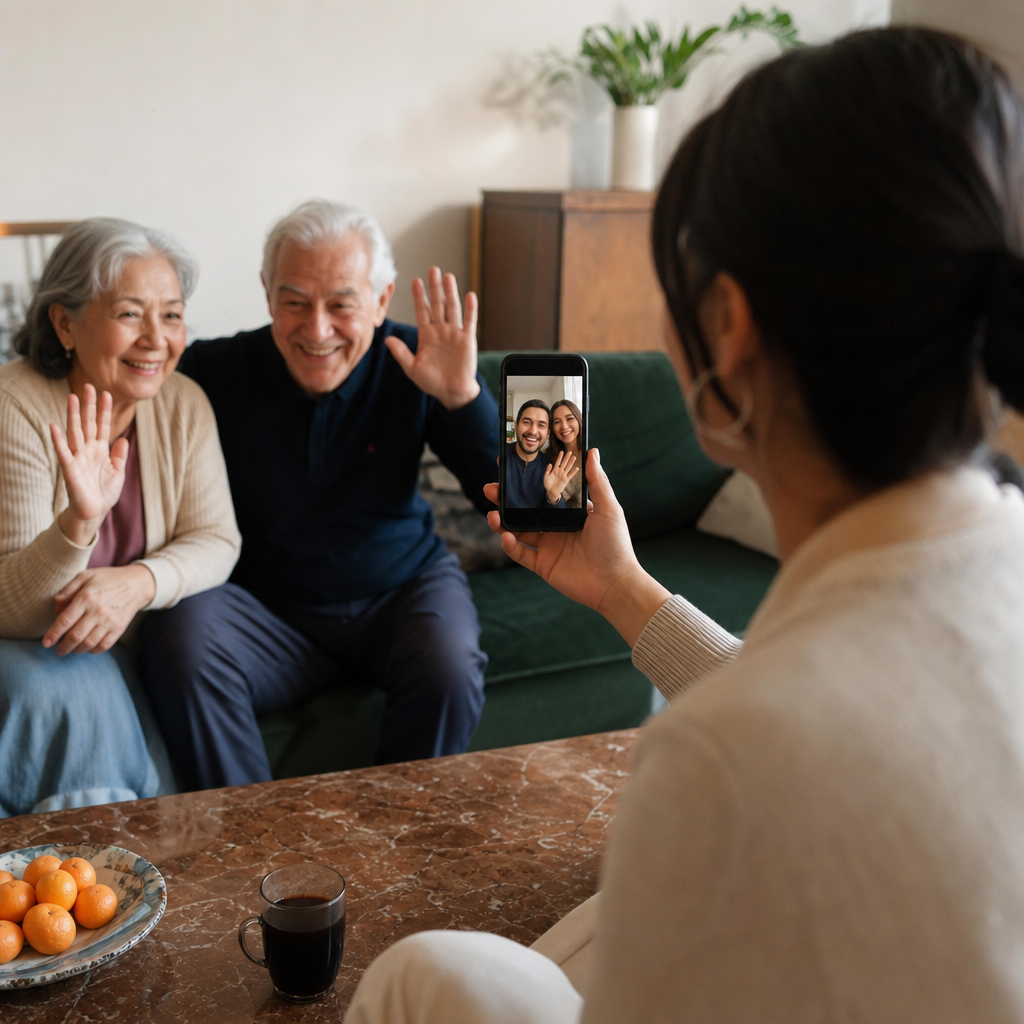
The real question isn't which translation tool has better features. It's whether your 70-year-old father-in-law in Spain will actually be able to use it when you call. We compare T-Mobile's new Live Translation with apps based on the only metric that matters for families: adoption.
Your mom has a smartphone, but she still calls you to ask how to open a PDF. Your abuela has a flip phone she's had since 2009, and she's not downloading anything. This is the reality for the 60 million Americans living in multilingual households, where the language gap between generations makes even a simple phone call feel like a missed connection. T-Mobile's Live Translation, launched in beta this February, works by dialing \87\ during any call, on any phone, with no app required. The question isn't whether translation technology exists. It's whether the people who need it most will actually use it.
The invisible barrier killing your family calls
Sixty million Americans live in multilingual households. That's a lot of family WhatsApp groups where half the members can't fully understand the voice messages. A lot of birthday calls that never happen because the translation barrier feels too high.
The scenario plays out the same way in households across the country. You've done the research. You found a translation app with great reviews, maybe even paid for the premium version. But your grandmother in Portugal uses a basic phone she's had for years. The word "downloading" alone makes her nervous. Your tío in Mexico City doesn't trust apps that ask for permissions. Your dad switched back to a flip phone after his smartphone "started acting weird."
The translation technology exists. That's never been the problem. The real question is simpler and harder: can both people on the call actually use it?
Most solutions put the burden on the person least equipped to handle it. Translation earbuds require both parties to wear hardware. Apps need downloads, accounts, and updates. Video call features assume everyone has a smartphone with a stable data connection.
The gap between "available" and "usable" is where family calls go to die. And it comes down to one thing: will the other person need to do anything at all?
How T-Mobile Live Translation actually works for non-technical relatives
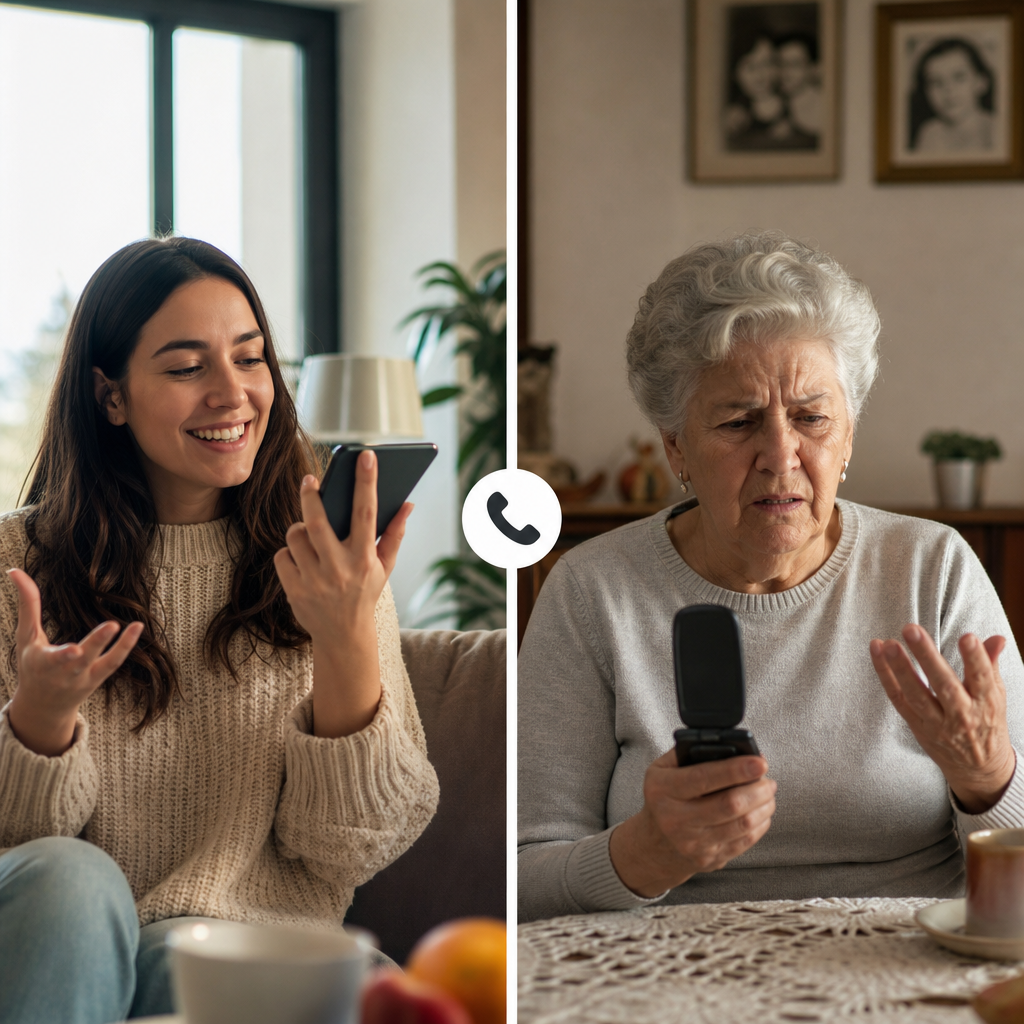
The difference with T-Mobile's approach comes down to where the technology lives. It's built into the network, not the phone. That means your grandmother's flip phone from 2009 works just fine.
Here's what a real call looks like:
Step 1: You dial your mom to discuss her upcoming medical appointment. Before the call connects, you press 87 to activate Live Translation.
Step 2: Her phone rings. She picks up the way she always has. No prompts, no downloads, no "press 1 for English." Just a normal incoming call.
Step 3: You speak English. She hears your words in her native language. She responds naturally, and you hear English. The translation happens on T-Mobile's servers, not on either device.
Step 4: You talk about her prescription refills, her doctor's instructions, the things that matter. She doesn't know there's AI involved. She just knows her kid called.
The critical detail: only one person needs to be a T-Mobile customer. Your mom can be on any carrier, in any country. The beta currently supports 50 to 80+ languages, and future versions will let users activate it by simply saying "Hey T-Mobile" instead of dialing the code.
The person who needs the technology handles it. The person who just needs to talk, talks.
Translation apps: Great features, one fatal flaw
The apps themselves work well. A recent comparison of real-time voice translation tools shows that leading apps deliver impressively fast performance, with latency as low as 1 to 2 seconds. That's noticeably quicker than T-Mobile's 2 to 4 second delay.
Speed isn't the problem. Adoption is.
Every app-based real-time voice translator hits the same wall: both people need the thing. Both people need to download it. Both need to create an account, grant microphone permissions, figure out the interface. Your kids want to call the grandparents who raised them speaking Mandarin or Spanish or Tagalog. But grandma isn't installing "another app that drains the battery." She's heard that one before.
The result? The app sits unused on your phone while the calls don't happen.
Translation earbuds make the problem even worse. Devices like Timekettle run $249 to $399, and they require both people to wear the hardware. Good luck convincing your 80-year-old abuela to put unfamiliar earbuds in her ears before every phone call. And accuracy drops when someone speaks quickly, which is exactly how emotional family conversations tend to go.
The pattern repeats across every two-sided solution. Faster technology, better features, higher price points. None of it matters if grandma's side of the call can't participate.
The honest tradeoffs: Is 3 seconds worth your mom not needing to 'install the thing'?
The 2 to 4 second delay is real. You say something, pause, and then your mom hears the translation. For casual catch-ups, it barely registers. For emotional conversations, the rhythm feels off. You're telling her about a health scare, and there's a beat of silence before she can respond. It's not broken. It's just different.
The carrier limitation matters too. Only T-Mobile customers can dial 87 to activate the translation. If you're on Verizon or AT&T, this isn't your solution. Your mom can be on any carrier, anywhere in the world, but the person initiating needs that T-Mobile account. Lifehacker has a helpful breakdown on how to access the free beta if you're considering a switch.
Then there's privacy. Your voice passes through T-Mobile's network servers for processing. The company says they don't save recordings or transcripts, but your audio is being handled by a third party. That's the tradeoff for making translation invisible to the other caller.
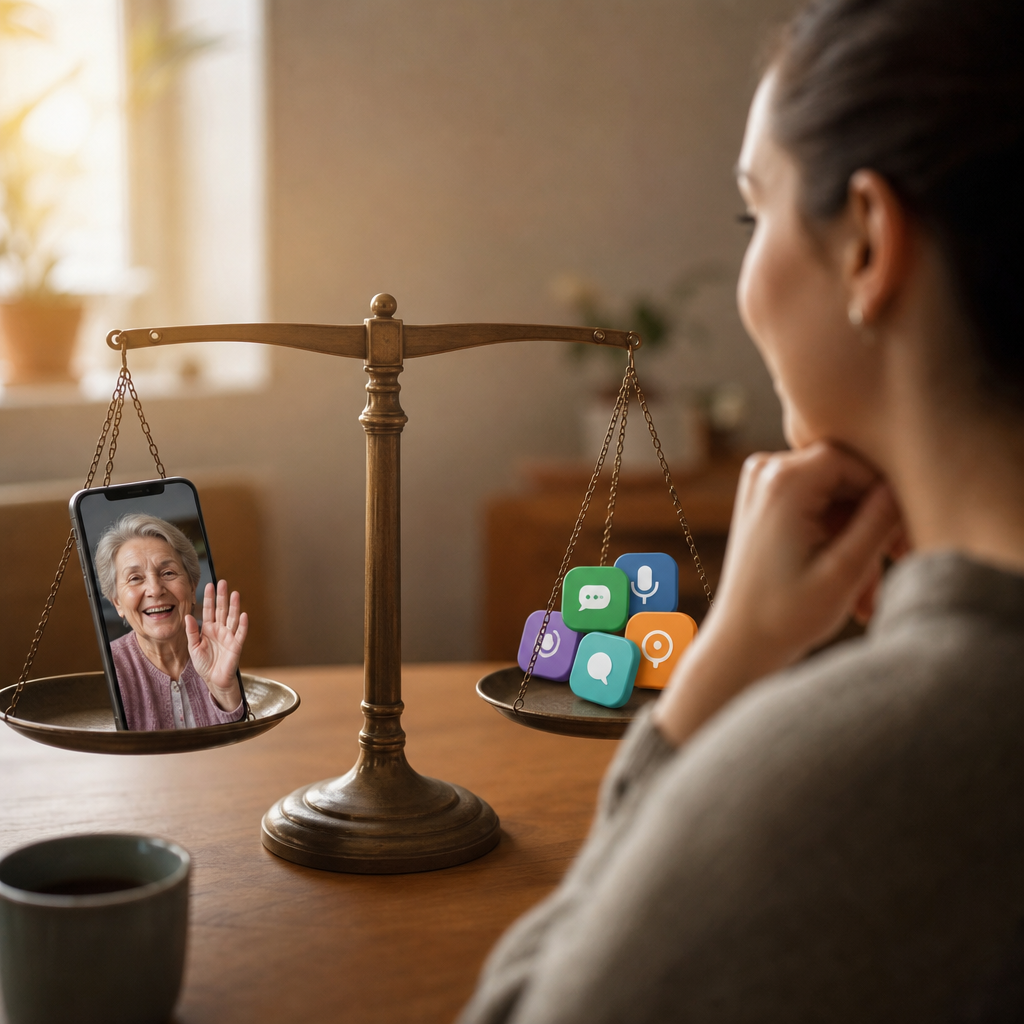
So the real question comes down to this: faster translation that requires both people to adopt new technology, or slower translation where only one person handles the setup?
For families with elderly relatives or non-technical parents, the answer often becomes obvious. Three seconds of delay beats "Mom, just download the app" for the hundredth time.
Real scenarios: When each solution makes sense for your family
The right solution depends entirely on who's on the other end of the line. Here's how different family situations tend to play out:
-
Monthly check-ins with aging parents on basic phones. Your dad has a flip phone. Your mom gets anxious when her smartphone asks for updates. T-Mobile's approach means the call actually happens. You dial 87, their phone rings normally, and the conversation flows. No "Can you hear me now?" troubleshooting. No postponed calls because the app didn't work last time.
-
Video calls with tech-comfortable siblings or cousins. When everyone involved owns a smartphone and knows how to use it, app-based tools offer faster translation and visual features. The 1 to 2 second latency feels more natural, and screen sharing or video adds context that voice alone can't provide.
-
Urgent calls about medical appointments or family emergencies. Your grandmother needs to understand her prescription instructions. Your uncle just got test results. T-Mobile's network-based phone call translator works on 4G and basic phones, meaning critical information gets through even when the other person doesn't have a data plan or Wi-Fi.
-
Mixed-comfort families. Most families aren't all one type. The pattern that works: use T-Mobile for the relatives who struggle with technology, and app-based tools for the ones who don't.
The deciding factor is simple. Look at the least technical person in the conversation. That's who determines which solution will actually get used.
What multilingual families should consider before choosing
The best translation tool is the one the other person will actually use. Not the one with the fastest latency, the highest rating, or the most features. Specs mean nothing if grandma's side of the call can't participate.
For families with elderly relatives, non-technical users, or international family members on basic phones, T-Mobile's network-based approach solves the core problem. The call happens. No downloads, no troubleshooting, no "I'll call you back when I figure this out." One person dials a code, the other person just picks up the phone like they've done for decades.
Families where everyone owns a smartphone and feels comfortable with apps have more options. App-based tools offer faster translation and video features that add context to emotional conversations. When both sides can handle the technology, the extra speed makes a noticeable difference.
Most families aren't all one type. The realistic approach? Use different tools for different people. T-Mobile for the grandmother who won't download anything. Apps for the tech-savvy cousin who video calls from three time zones away. The goal isn't finding one perfect solution. The goal is making the calls happen.
Want to explore all your options for translated family calls? Try Bridgecall free and see how real-time translation works in personal audio and video calls with the people who matter most.
Related Bridgecall Guides
How to Translate a Phone Call Without an App
Use one browser link for a voice-only translated call with no guest installation.
Video Call Translation
Start browser-based translated video calls with voice and subtitles.
Phone Call Translator
Start voice-first multilingual conversations without app installation.
Family call translation vs. business meetings: Why grandma's calls drop
The same translation technology that powers flawless business meetings often crashes during Sunday calls with grandma. This reliability gap exists because consumer tools are built for 30-minute structured meetings, not three-hour emotional conversations on unstable home WiFi.
Live call translation in 2026: What changes for families abroad
In 2026, Google and Apple made live call translation mainstream. For families separated by language and distance, this means grandparents can finally hear their grandchildren without a translator, and couples can end calls without exhaustion.
iPhone live translation for family calls: What actually works in 2026
I tested Apple's new live translation feature calling my partner's family who only speaks Spanish. The marketing looked amazing. The reality during our Sunday call was a different story. Here's what I learned, and what actually works for families in 2026.
Ready to start multilingual calls?
Create a Bridgecall room in minutes and let everyone speak in their own language.
Start your 7-day trial