App Store
 Google Play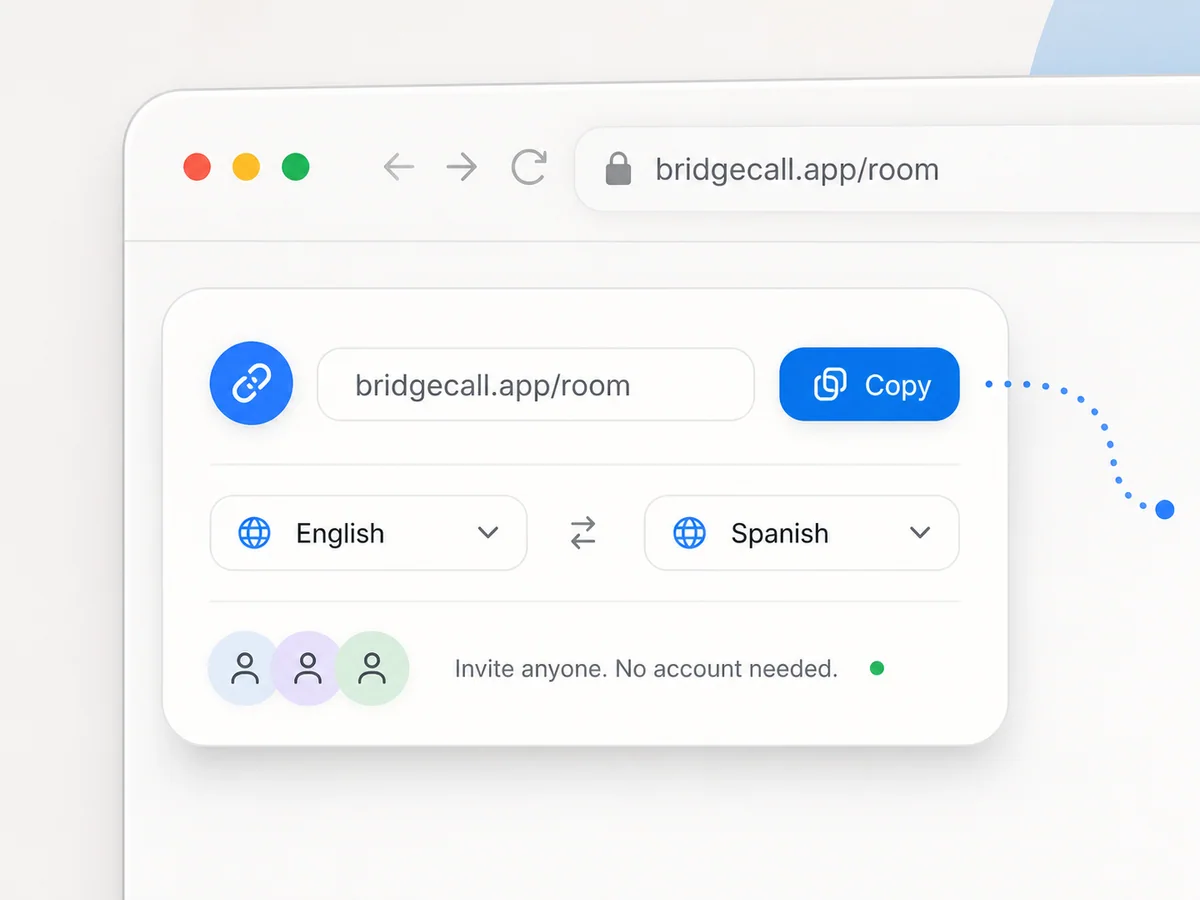
Essential
$29/month
For a few long calls home each week
Start 7-day trial- 300 translated minutes per month
- One link. Instant browser join.
- Translated voice and subtitles
- 50+ languages
- Group calls up to 5 people
Start a video call, share one link, and let each person speak their own language. Bridgecall gives you real-time video call translation with translated voice and subtitles in the browser.
 ★★★★★Join 1,000+ people using Bridgecall for video call translation across languages.
Join 1,000+ people using Bridgecall for video call translation across languages.



Create the link, invite the other person, and let Bridgecall handle translated voice and subtitles live in the call.


“It is so good to see you”“Qué bueno verte”
Choose your language, decide how translations should appear, and copy the invite link.
The other person opens the link on phone or desktop with no app install and no setup maze.
Each person speaks their own language while Bridgecall delivers translated voice, subtitles, or both in real time.
They talk, you understand. Translated voice speaks for them while live subtitles follow every word.
Create your video call linkOne link. No app install. Invite anyone to join in browserNo app install
Bridgecall can speak translations in your own voice, so the other person hears you—not a generic voice.

Your guest taps the link and they are in. No app, no account, nothing to install. The same call works one-on-one or with a small group, everyone speaking their own language.
 AikoSarahMarco
 João
João
Your guest taps the link and they are in. No app, no account, nothing to install.
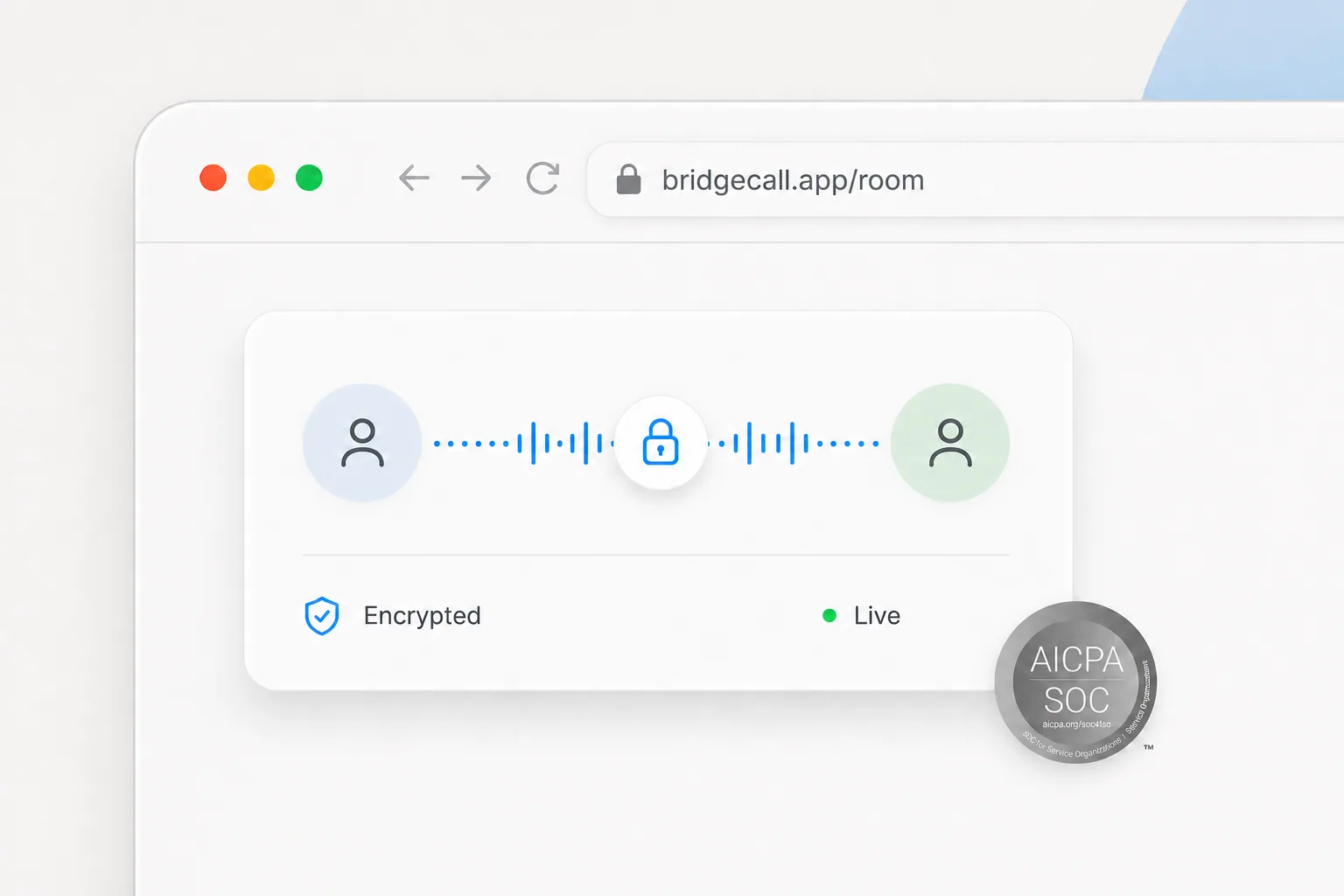
Live infrastructure keeps translated voice and subtitles moving. Calls are end-to-end encrypted on SOC 2-compliant infrastructure. Audio is processed live for translation and never stored.
Use Bridgecall when you want video call translation that feels simple enough for parents, partners, and relatives abroad.
For multilingual teams, support calls, and recurring group conversations, see our meeting translation services.
If you are evaluating other platforms, start with our Wordly alternative page and compare the workflow from there.
Made for people who just need the call to work
Real conversations across family, work, travel, and practical calls where one link matters.
JustineSimple monthly plans based on how much video call translation you expect to use.
For a few long calls home each week
Start 7-day trialFor people who talk most days
Start 7-day trialFor when the call is simply part of your day
Start 7-day trialVideo call translation lets each person speak their own language during a call while Bridgecall delivers translated voice, subtitles, or both in real time.
You start the call, share one link, and let each person choose their language. Bridgecall listens, translates, and plays or shows the translation during the live call.
No. The other person opens your link in their browser, on phone or desktop, and joins the video call instantly. Nothing to download.
Translation happens in about one second after you finish a sentence. The call keeps flowing at natural conversation speed.
Yes. Each person can speak their own language during the call while Bridgecall translates the conversation for the other side in real time.
Yes. Bridgecall supports translated voice, on-screen subtitles, or a mixed mode depending on how you want to follow the conversation.
Bridgecall supports over 50 languages for real-time video call translation, including Spanish, French, Portuguese, Arabic, Mandarin, Hindi, and more.
Both. People use it for family calls, long-distance relationships, support conversations, multilingual meetings, and practical everyday calls.
The trial gives you 7 days to try Bridgecall. You add payment details upfront and are not charged today.
The Daily plan includes 900 translated minutes per month. It is built for people who rely on video call translation regularly.
One link, no app, translated voice and subtitles. Speak your language and be understood.