iPhone Live Translation for Family Calls: 2026 Review
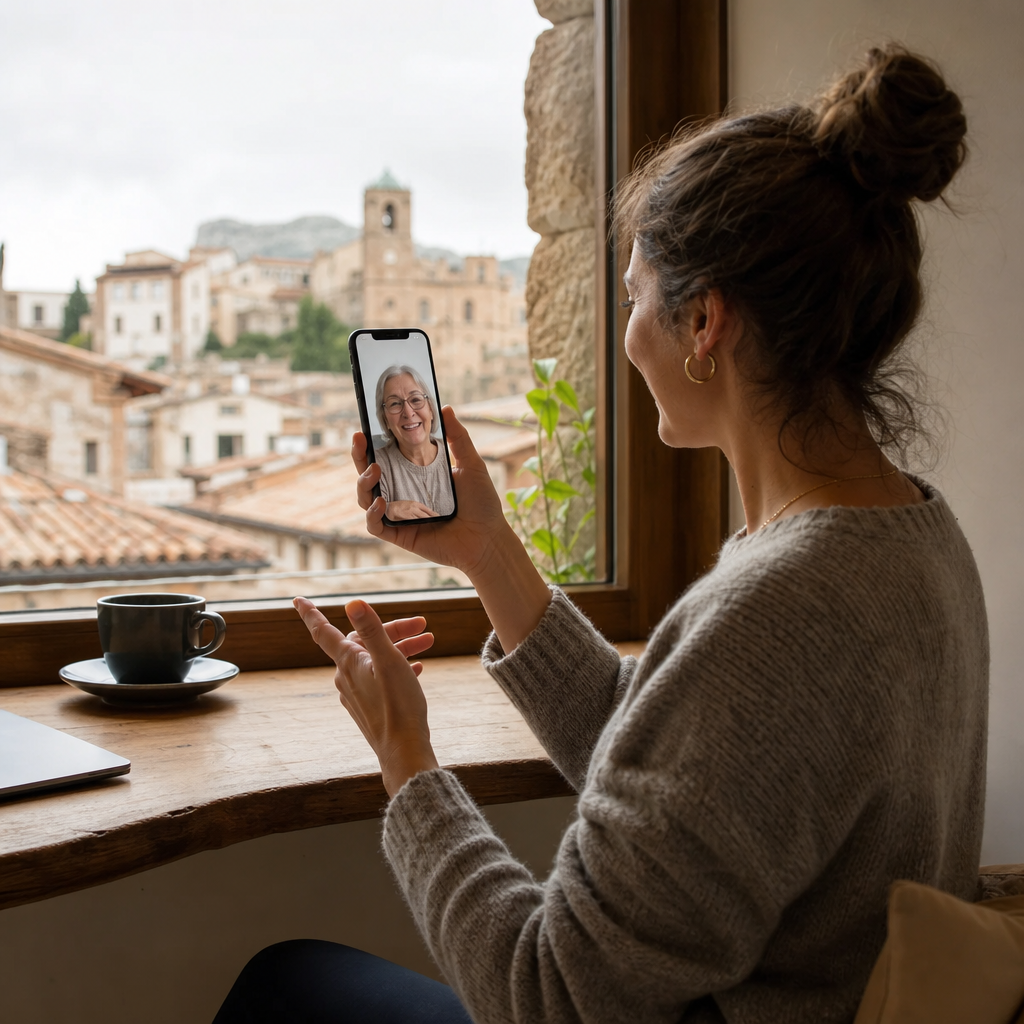
I tested Apple's new live translation feature calling my partner's family who only speaks Spanish. The marketing looked amazing.
Apple promised that iOS 26 would finally let you call your non-English speaking grandmother without awkward pauses and Google Translate on speakerphone. The reality? Reddit users are calling the new Live Translation feature "completely useless for actual use," reporting it catches only fragments of sentences and struggles with anything beyond European languages. We tested what's actually working for multilingual families right now, from Apple's native tools to carrier-based solutions like T-Mobile's no-app approach, and the gap between marketing promises and kitchen-table conversations is bigger than expected.
The Sunday call that made me write this article
My partner's grandmother lives in a small town outside Tokyo. We've been together three years, and every video call follows the same painful script: awkward smiles, my partner translating in real time, and me nodding along while understanding nothing. When Apple announced iOS 26's Live Translation, I genuinely thought the Sunday calls would finally change.
The setup felt perfect. New iPhone, fresh update, nervous energy about making a real impression for once. I wanted to ask about her garden, hear her stories, maybe even make her laugh without my partner playing interpreter between every sentence.
Then came the reality check.
iOS 26's native Live Translation only supports five languages for phone calls: English UK/US, French, German, Portuguese Brazil, and Spanish Spain. Japanese isn't on that list. Neither is Mandarin, Hindi, Arabic, Korean, or dozens of other languages spoken by millions of families trying to stay connected across borders.
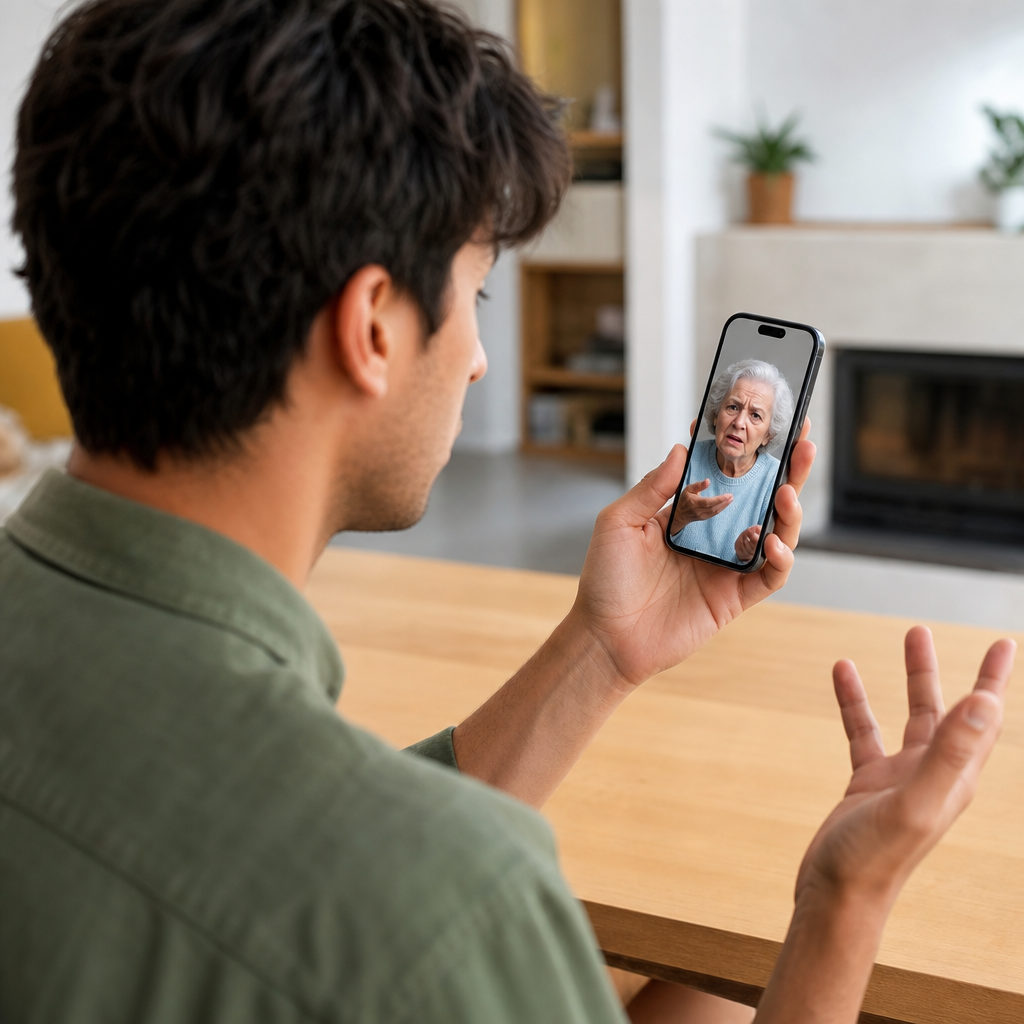
We tried it anyway with a Spanish-speaking friend first. The results matched what Reddit users have been reporting: the system picked up fragments, translated during natural speech pauses, and created more confusion than connection. One user called it "completely useless for actual use." Harsh, but accurate. The feature works best with slow, deliberate speech. Real conversations don't sound like that.
Why Apple's live translation breaks during real conversations
Apple built its Live Translation using on-device models. The privacy benefits are real: your conversations never leave your phone, no cloud servers involved. The tradeoff? Language coverage and accuracy take a hit compared to cloud-based alternatives.
The technical constraints show up fastest in timing. Natural conversation depends on translation latency under 0.5 seconds. That's the threshold where turn-taking still feels like actual dialogue. Go beyond that, and every exchange becomes an awkward interruption. Family calls start feeling like international diplomacy with bad interpreters.
FaceTime handles things differently than regular phone calls, and not in a helpful way. According to Apple's guide on how to translate conversations on iPhone, FaceTime only provides translated captions on screen. No audio translation at all. The feature is limited to one-on-one calls and those same five languages. For our FaceTime call translator options, the gap between expectation and reality is significant.
The AirPods workaround looks promising on paper. AirPods Pro 2, AirPods Pro 3, and AirPods 4 with ANC can trigger live translation when you press both stems simultaneously. The catch: your iPhone screen still needs to display text for the other person to read. Unless both people have compatible AirPods, someone's stuck squinting at a phone. Not realistic for elderly relatives. My partner's grandmother doesn't own AirPods. She's not going to start.
Three family call scenarios where iPhone translation fails
The weekly grandparent call hits hardest. When iOS 26's translation catches only fragments of a sentence, the silence that follows isn't just awkward. Grandma interprets it as disinterest. She thinks you're distracted, rude, or simply not listening. The technology meant to bridge the gap creates a new kind of distance. As Macworld explains how live translation works, the feature triggers during natural speech pauses. Real conversations don't pause cleanly. Sentences overlap, emotions run hot, and incomplete translations turn warmth into confusion.
Then there's the parent who needs help with customer service. Medical instructions require precision. Financial details can't afford fragments. When you're trying to translate a pharmacy's dosage explanation or a bank's fraud alert, "mostly accurate" becomes dangerous. The stakes are too high for a system still learning its limits.
Holiday video calls amplify everything. The in-laws are gathered around a table, everyone watching the screen, waiting for the translation to catch up. Those extra seconds of lag turn into painful silences. The pressure builds. What should feel like celebration feels like performance anxiety.
These moments carry real emotional weight. A missed birthday story from a grandparent. A confusing medical instruction that causes worry for days. The in-law who thinks you're cold because the translation stripped your joke of its warmth. Failed technology in these moments doesn't feel like a software limitation. It feels personal.

What real multilingual families actually use in 2026
Most multilingual families have stopped waiting for Apple to catch up. The pattern we're seeing looks the same across Reddit threads, family WhatsApp groups, and our own testing: native iPhone tools handle quick moments like reading a menu or asking for directions, but dedicated apps take over when the conversation actually matters.
The math explains why. Apple supports 5 languages. A good real-time voice translator covers 100 or more. For families speaking Japanese, Mandarin, Hindi, Tagalog, or Arabic, that gap isn't a minor inconvenience. It's the difference between connection and silence.
Then there's the parent problem. Convincing a 70-year-old to download an app, create an account, grant microphone permissions, and remember how to use it before each call? That's a project, not a solution. T-Mobile took a different approach entirely. Their Live Translation beta works at the carrier level. No app. No login. No setup. The translation happens in the network itself. For families with parents who struggle with technology, removing every possible friction point matters more than feature lists.
The families who've figured this out share similar advice: match the tool to the relationship. Quick translations for strangers at a market? The iPhone works fine. Weekly calls with grandma where every word carries emotional weight? That deserves something built for real conversation. Simple doesn't always mean better when the person on the other end is someone you love.
Finding the right tool for your family's actual calls
The decision comes down to three questions. What languages does your family actually speak? How comfortable are your relatives with technology? And are your calls audio, video, or both?
If your family speaks one of Apple's five supported languages, the native tools might work for casual check-ins. For the other 7,000 languages humans speak, a dedicated phone call translator becomes essential.
The older relative factor deserves honest consideration. The most sophisticated translation technology means nothing if your grandmother can't figure out how to activate it. T-Mobile's carrier-based approach works precisely because there's nothing to learn. For families where app downloads cause anxiety, simplicity wins over features every time.
When evaluating any solution, three technical details matter most. Latency needs to stay under 0.5 seconds for conversation to feel natural. Your specific language pair needs actual support, not just a checkbox on a features page. And audio translation beats captions for relatives who struggle with small text or can't watch a screen while cooking dinner.
The real goal isn't finding perfect translation. The goal is forgetting translation exists entirely. The best tools fade into the background so you can focus on your grandmother's story about her garden, your partner's joke that finally lands, the moment when a video call stops feeling like work.
Ready to have real conversations with your family across languages? Try Bridgecall free and experience what phone translation should feel like.
Related Bridgecall Guides
How to Translate a Phone Call Without an App
Use one browser link for a voice-only translated call with no guest installation.
Video Call Translation
Start browser-based translated video calls with voice and subtitles.
Phone Call Translator
Start voice-first multilingual conversations without app installation.
Real-Time Translation in Europe: Growth Skips Family Calls
Europe's translation market is exploding, but the metrics driving that growth measure enterprise KPIs, not whether your grandmother can finish her
Family vs Business Call Translation: Why Grandma Drops Off
The same translation technology that powers flawless business meetings often crashes during Sunday calls with grandma.
WhatsApp Call Translation in 2026: Why Grandma Can't Answer
Your parents didn't miss your call because of bad technology. They missed it because the translation app needed a software update, a new account, and a
Ready to start multilingual calls?
Create a Bridgecall room in minutes and let everyone speak in their own language.
Start your 7-day trial