WhatsApp Call Translation in 2026: Why Grandma Can't Answer
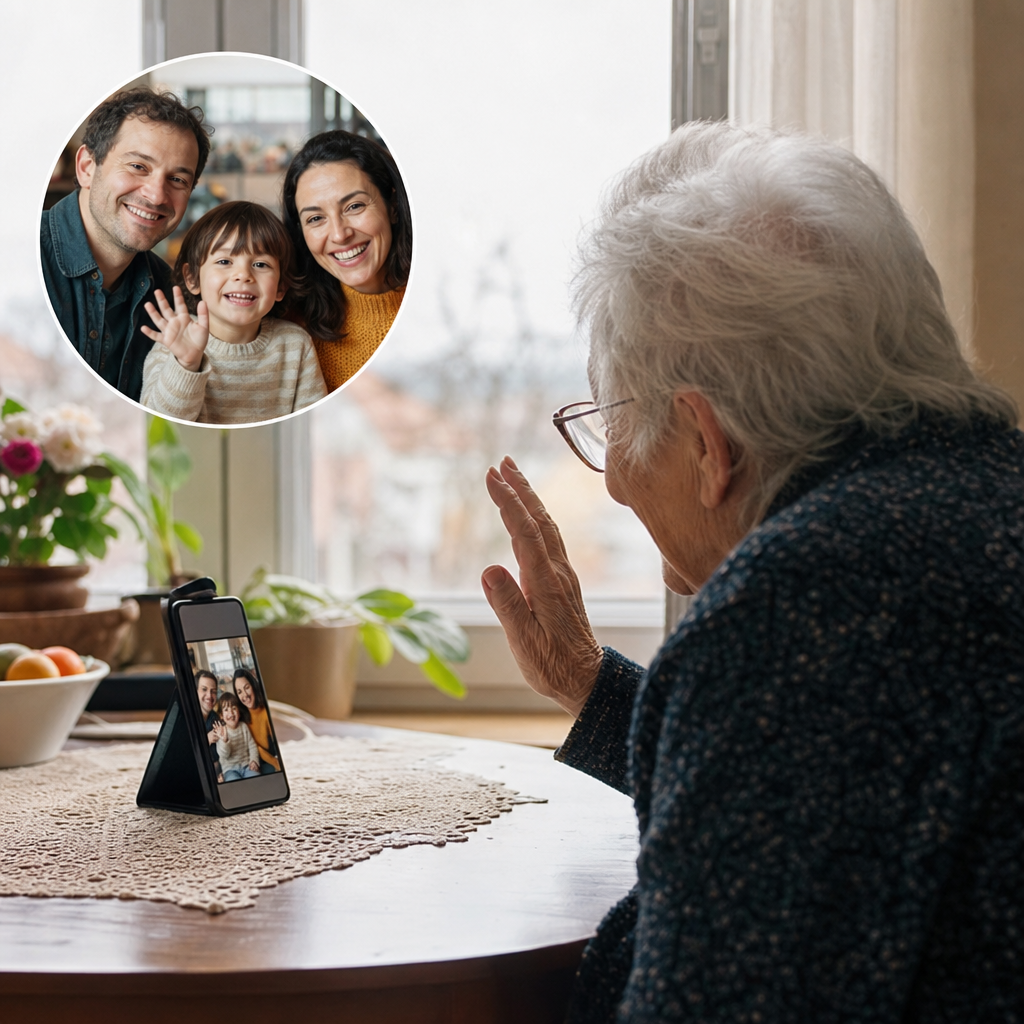
Your parents didn't miss your call because of bad technology. They missed it because the translation app needed a software update, a new account, and a
WhatsApp has over two billion users, but in 2026, it still can't translate a single word during a voice call. Your grandmother in Portugal hears exactly what you say in English. You hear exactly what she says in Portuguese. And both of you hang up more frustrated than before. Meanwhile, Skype's translation feature shut down in May 2025, taking one of the few working solutions with it. The technology exists, the demand is obvious, yet the apps we actually use for family calls haven't caught up.
The promise vs reality of WhatsApp translation in 2026
You finally get your Spanish-speaking grandmother on WhatsApp video. She's figured out how to answer the call, the connection is stable, and you're ready to catch up. Then you start talking. She hears your English words exactly as you speak them. No translation happens. Her face shifts from excitement to confusion, and you're back to the same frustrating dance of broken phrases and hand gestures.
The gap between what users expect and what WhatsApp actually delivers remains surprisingly wide. WhatsApp does not translate live voice or video calls as of 2026. It only auto-translates some text messages in limited regions, and both sides hear the original audio during calls. Many families assume the app handles voice the same way it handles text. It doesn't.
A recent comparison of WhatsApp translation capabilities confirms what millions of international families have discovered the hard way. Text translation exists in patches. Voice translation doesn't exist at all.
The situation got worse when Skype's call translation feature shut down on May 5, 2025. For years, families relied on Skype as one of the few mainstream apps that actually translated spoken words in real time. That option is gone now.
For a deeper look at what alternatives exist, we've covered the current WhatsApp video call translation options available to families.

The asymmetric setup burden: Why 'just send them a link' fails
The setup process for translated calls reveals a fundamental problem. One person does all the work, while the other faces all the confusion.
Step 1: You download an app, create an account, configure your language settings, and test everything twice.
Step 2: You call your family member on a scratchy connection and try explaining how to click a link they've never seen before.
Step 3: They ask what "allow microphone access" means. The call drops. You start over.
Step 4: Everyone gives up and goes back to hand gestures.
Link-based tools like iTour, Utell, and Transync attempt to solve this. According to a recent roundup of the best translation apps for international video calls, these services let one person share a translated call link without the other person installing anything. Sounds ideal.
The catch: these solutions work for a tourist asking directions once. They weren't built for weekly family calls. Every Sunday, grandma faces the same browser link, the same unfamiliar interface, the same confusion.
Here's how this plays out in real life. Your grandfather's 80th birthday dinner arrives. The whole family gathers around a tablet in Lisbon. You send the translation link from London. He accidentally closes the browser tab. Now twelve relatives wait while you call his neighbor to help reopen Chrome.
The technology exists. The friction remains.
Cognitive load during moments that matter
Translation apps demand attention at the worst possible times. Watching for transcription errors, waiting through delays, adjusting settings when something breaks. All of this competes directly with being emotionally present during conversations that actually matter.
The technical reality explains why. Cascaded speech-to-text, then translate, then speech systems run 800ms to 2 seconds of latency. That gap creates awkward pauses during urgent family news. It turns a grandchild's first words into a delayed playback. The person on the other end waits, repeats themselves, loses the moment.
End-to-end speech-to-speech translation, by contrast, runs 400 to 700 milliseconds and preserves the speaker's actual voice. That difference brings conversations closer to natural rhythm. We're seeing more families explore real-time voice translation specifically because it removes the robotic delay that makes calls feel like walkie-talkie exchanges.
Consider a scenario most international families eventually face. Your mother is sharing difficult health news across languages. She's already struggling to find the right words. The last thing she needs is to repeat herself because the app glitched or she spoke too fast for the transcription to catch up. Meanwhile, you're splitting your focus between her face and the translation box, watching text scroll instead of watching her expression.
The technology shouldn't make hard conversations harder. Yet for many families, it does.
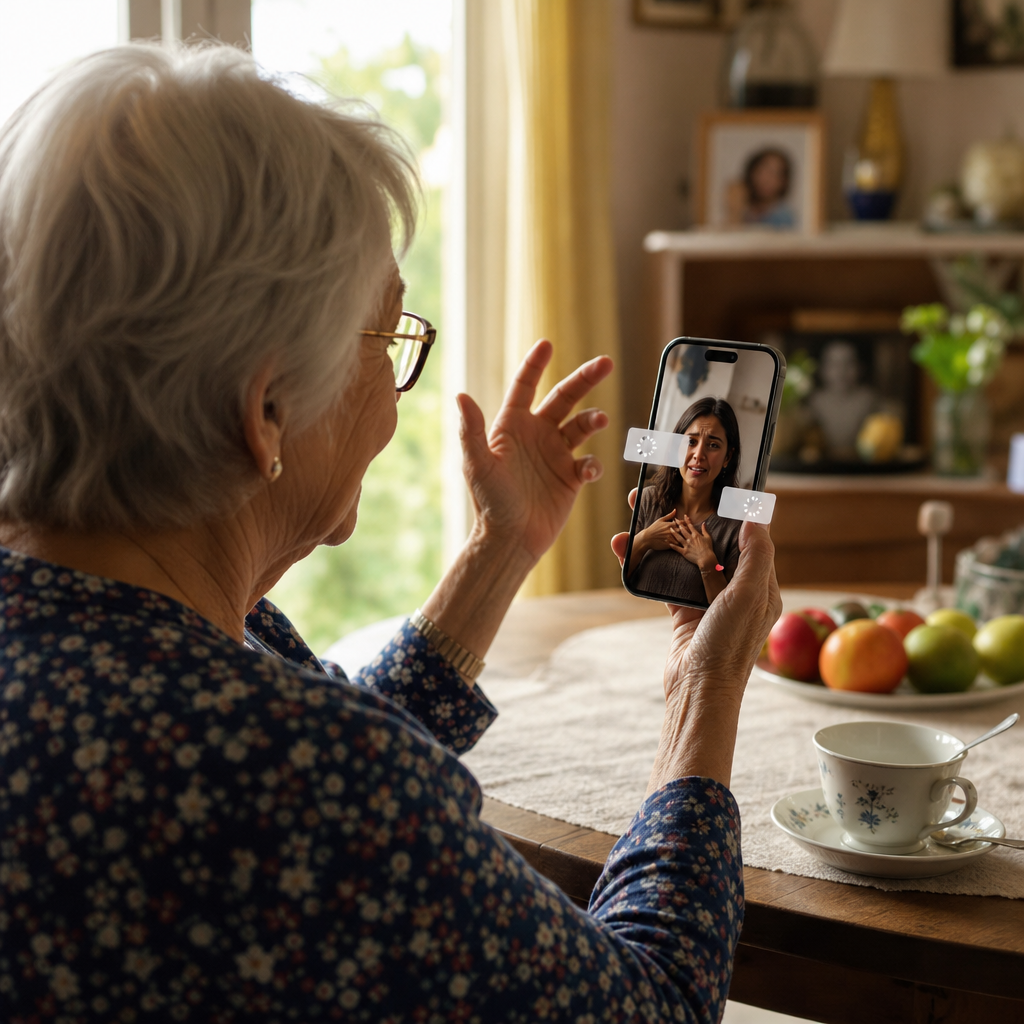
Hardware solutions and their hidden requirements
Translation earbuds seem like the obvious gift for older relatives. No apps to configure, no links to click. Just put them in and talk. The marketing makes it sound simple.
The reality is messier. Most translation earbuds require a connected phone to function, creating failure points for families needing hours-long video calls with tech-struggling grandparents. The earbuds themselves are just the visible part of a larger system that needs constant cooperation from a smartphone.
The compounding problems stack up fast. Bluetooth pairing drops mid-sentence. Batteries drain after two hours, right when the conversation gets good. The companion app demands an update before each use, and that update needs a password nobody remembers.
Here's a scenario playing out in homes across Europe right now. You bought your father expensive translation earbuds for Christmas. The packaging promised effortless multilingual calls. Three weeks later, his phone's Bluetooth keeps disconnecting every fifteen minutes. The app needs his Google account password, the one he forgot years ago and never wrote down. His neighbor helped set it up originally, but she's on holiday. The earbuds sit in their charging case on his kitchen counter, gathering dust.
Hardware solutions shift the technical burden, they don't eliminate it. Someone still needs to troubleshoot connections, manage updates, and remember passwords. For families with elderly relatives, that someone is usually hundreds of miles away.
What actually works for non-technical family members
The real question isn't which app has the best features. It's whether the person being called has to learn anything new at all.
- The simplest approach shifts all the translation work to the caller's side. The recipient just answers a normal incoming phone call and hears their own language. No app downloads, no browser links, no "allow microphone access" pop-ups.
- A phone call translator that works for any recipient handles the conversion before the audio reaches the other person. Your aunt in Portugal picks up, says "Olá," and the conversation flows from there.
- Language coverage matters more than most people realize. Hi Translate has 500M+ users worldwide and ranked #1 in WMT25 Low-Resource Indic Language Translation for languages like Hausa, Yoruba, Igbo, Urdu, and Bengali. These are languages that mainstream apps consistently fail to support well.
- The criterion that actually matters for weekly family calls: Can your 78-year-old aunt participate without any learning curve whatsoever? If she needs to tap a link, approve permissions, or troubleshoot audio settings, the solution has already failed.
Families who've tried everything from earbuds to browser links are landing on phone-based translation for one reason. It respects the fact that the person you're calling didn't ask to become a tech support ticket.
Choosing based on who you're calling, not just what you need
The tech specs matter less than one simple question: Who is the least technical person you need to call?
That person becomes the benchmark for every solution you consider. Not your own comfort with apps. Not the impressive feature list. The 78-year-old aunt who still asks what "the cloud" means.
Three questions cut through the marketing noise. Does grandma need to download anything? Does she need to create an account or remember a password? Does she need to click a link and figure out browser permissions? If the answer to any of these is yes, expect frustration on both ends.
Then comes the recurring call test. Most solutions work fine the first time, when you're on standby to troubleshoot. The real measure is call number fifty. Sunday dinner, six months from now, when the initial setup is a distant memory and nobody remembers which app icon to tap. The tools that survive this test are the ones that demand nothing new from the person being called.
The best translation technology disappears entirely for the person who struggles most with technology. They pick up the phone, hear their own language, and have a conversation. That's it. No learning curve, no tech support calls to you afterward.
Try Bridgecall free: Your family answers a normal call while you speak your language. No app downloads, no links, no explanations needed on their end.
Related Bridgecall Guides
How to Translate a Phone Call Without an App
Use one browser link for a voice-only translated call with no guest installation.
Video Call Translation
Start browser-based translated video calls with voice and subtitles.
Phone Call Translator
Start voice-first multilingual conversations without app installation.
Video Call Translation with Family: What Works in 2026
Your grandmother just sent a WhatsApp video call request and you don't speak the same language.
Real-Time Translation in Europe: Growth Skips Family Calls
Europe's translation market is exploding, but the metrics driving that growth measure enterprise KPIs, not whether your grandmother can finish her
How to Translate a Phone Call Without Installing an App
Translate a voice call through one browser link. Learn what your guest needs, how to set it up, and when regular phone number translation is different.
Ready to start multilingual calls?
Create a Bridgecall room in minutes and let everyone speak in their own language.
Start your 7-day trial