Multilingual Events: What Breaks Live and How to Plan

A practical guide to what breaks during multilingual events and how to plan around it. Learn platform limitations and backup strategies before going live.
Over 70% of people engage more with content delivered in their native language. Yet only 17% of the world actually understands English. The math is clear for anyone running international webinars or virtual events. But here's what the platforms don't tell you upfront: real-time translation still breaks in surprising ways. Even enterprise tools like Webex can't support live translation in webcast view, and meetings started from spaces fail entirely. We're seeing event organizers learn these limitations the hard way, often mid-broadcast.
The engagement gap nobody can ignore
The numbers are stark. Over 70% of people engage more with content delivered in their native language. Meanwhile, only 17% of the world actually understands English. For anyone running international webinars or virtual events, translation has become essential, not optional.
Yet event organizers consistently discover translation limitations mid-event rather than during planning. A speaker goes live, the translation fails, and hundreds of attendees sit in confused silence. We're seeing this pattern repeat across industries, from corporate product launches to academic conferences.
The IEEE notes that translation solutions are increasingly critical for conferences and events reaching global audiences. The organization's own Rising Stars Latin America Conference used QR codes for attendees to access real-time translation across English, Spanish, and Portuguese. A practical workaround, but one that required advance planning.
Most platforms don't advertise their gaps. Webex, for instance, can't support live translation in webcast view for attendees. Meetings started from spaces fail entirely. These aren't edge cases. They're common scenarios that catch teams off guard.
This guide covers the specific failures that happen during live multilingual events. More importantly, it examines how to prevent them before your audience notices anything wrong. The difference between a successful global event and a frustrating one often comes down to knowing where the technology breaks.
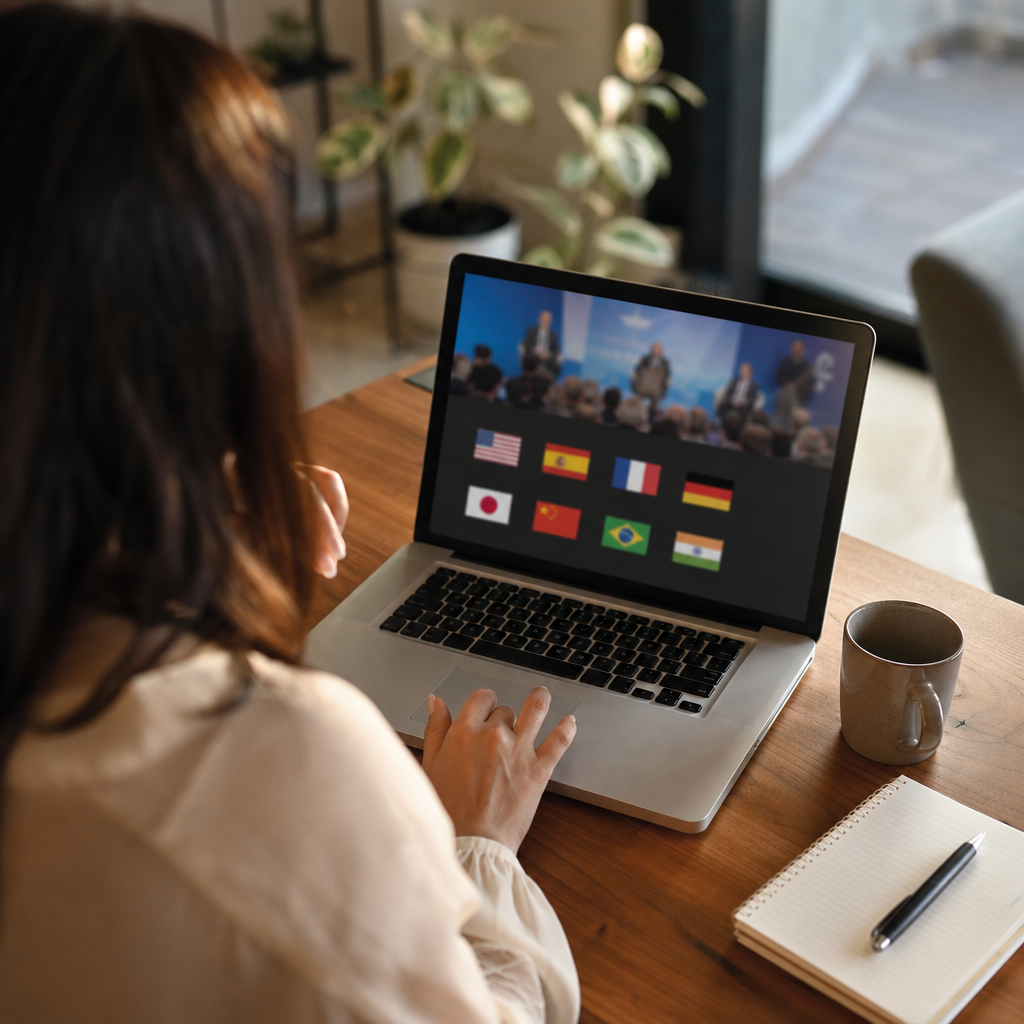
Platform limitations that will surprise you mid-event
Webex's real-time translation fails completely in webcast view. For events with hundreds or thousands of attendees, that's the default mode. The same happens when meetings start from spaces. No warning, no fallback. Just silence where translation should be.
Every platform handles this differently. GlobalMeet offers automated captions in 4 input languages with 30+ output options. Others require external integrations. Some break silently without any error message at all. We're seeing teams discover these gaps only when attendees start flooding chat with complaints.
The inconsistency runs deeper than most realize. Demo mode often behaves differently from actual webinar mode. A feature that works perfectly during a test run can fail entirely during the live broadcast. Translation platforms supporting 60 to 130+ languages with AI sound impressive on paper. The reality depends entirely on your specific configuration.
Professional conference translation services exist precisely because of these gaps. Organizations running regular multilingual events often combine platform features with external solutions. Human interpreters still cover 300 to 380+ languages that AI cannot handle reliably.
The pattern is consistent across industries. Corporate launches, academic conferences, community events. Teams assume enterprise platforms handle translation automatically. They discover otherwise at the worst possible moment. Running your exact event configuration as a full rehearsal, not just a quick demo, reveals limitations before your audience does.
Setup time vs. instant translation expectations
Attendees expect translation to work the moment they join. Reality looks different. AI translation sessions typically require five to ten minutes of setup time, and that gap between expectation and experience causes friction before the event even begins.
- Typical AI translation setup takes 5 to 10 minutes per session. Attendees clicking a link expecting instant access find themselves waiting through configuration steps instead.
- Smallest prepaid packages start at 10 hours valid for one year. Organizations running occasional multilingual events end up paying for capacity that expires unused.
- Briefing attendees 24 hours before the event prevents confusion. Connection instructions sent in the welcome chat arrive too late, when hundreds of people are already clicking around trying to figure out why translation isn't working.
- The 5 to 10 minute window matters most at event start. Peak join times mean support teams field the same questions repeatedly while speakers wait to begin.
- Test runs with actual attendee accounts reveal the real experience. Admin previews often skip the setup steps regular participants encounter.
Organizations running regular multilingual events factor this lead time into their schedules. A 10:00 AM start time means translation setup begins at 9:50 AM. The teams that communicate this clearly see fewer support requests and smoother openings. Those who assume instant access discover otherwise when chat fills with confused messages.

When QR code access fails for attendees
IEEE's Rising Stars Latin America Conference offered a smart solution: QR codes giving attendees instant access to real-time translation in English, Spanish, and Portuguese. The approach worked across main stage presentations and breakout sessions. But QR codes carry their own failure points that catch organizers off guard.
Venue WiFi overload is the most common culprit. Hundreds of devices hitting the same network simultaneously causes codes to load slowly or time out entirely. Older phones struggle with quick scanning. Poor lighting in conference halls makes codes unreadable. And translation links that expire mid-session leave attendees stranded without warning.
The organizations running smooth multilingual events always have backups ready. A short URL displayed on slides gives attendees a manual option. A direct link dropped in the event chat catches anyone who missed the code. Staff stationed near entrances troubleshoot connection issues in real time before frustrated attendees give up.
A real-time voice translator only works when attendees can actually connect to it. The IEEE conference succeeded because planners anticipated these friction points. QR codes served as the primary method, not the only method.
The pattern we're seeing across successful events: redundancy matters more than elegance. Three ways to access translation beats one sophisticated solution that fails under pressure. Attendees remember whether they understood the content. They rarely remember how they connected.
AI speed vs. human accuracy: Making the call for each session type
The language coverage gap tells part of the story. AI platforms now handle 60 to 130+ languages, while human interpreter networks reach 300 to 380+ languages with certified specialists for regulated fields. But the real decision comes down to what happens when translation errors carry consequences.
- General presentations and networking sessions work well with AI translation. The occasional awkward phrasing rarely derails a product demo or company update.
- Legal Q&A sessions, medical content, and technical precision demand human interpreters. A mistranslated medication dosage or contract term creates liability that no AI disclaimer covers.
- Keynote speeches tolerate AI latency better than other formats. Single speakers with prepared remarks give translation systems time to process complete thoughts.
- Panel discussions with rapid speaker changes expose AI limitations quickly. Human interpreters track context, follow interruptions, and catch the nuances that shift meaning mid-sentence.
- Regulated industries like healthcare rely on networks of 17,000+ professional interpreters across 300+ languages, including certified specialists who understand field-specific terminology.
The organizations running smooth multilingual events plan their hybrid approach session by session. Morning keynote runs on AI. Afternoon compliance Q&A brings in human interpreters. Evening networking returns to automated translation. Matching the tool to the stakes, rather than applying one solution across every session, prevents the errors that actually matter.
Your backup plan checklist before going live
The difference between a smooth multilingual event and a support nightmare often comes down to preparation done 24 hours earlier. Organizations running successful global events share a common approach: redundancy at every access point.
Testing on the exact platform configuration matters more than most teams realize. Demo environments behave differently from actual webinar mode. A translation feature working perfectly in a test meeting can fail entirely when hundreds of attendees join the live webcast. The teams catching problems early run full rehearsals with the same settings, same meeting type, and same attendee permissions they'll use on event day.
Three access methods have become standard practice for attendee translation. Primary QR code displayed on screen, backup short URL on slides, and a direct link dropped in chat as the final fallback. When venue WiFi overloads or phones struggle with scanning, attendees still have options.
For smaller group conversations and breakout sessions, a phone call translator works as a simple backup when platform translation fails. Participants dial in from their devices, and translation continues even if the main system drops.
Setting expectations upfront reduces support volume significantly. A brief slide mentioning the 5-second caption delay, instructions for switching languages, and a contact email for technical issues answers the questions before attendees ask them. The organizations doing this well see fewer chat interruptions and smoother session starts.
Running a smaller multilingual meeting or need a backup for your next event? Try Bridgecall for real-time translation in group conversations and calls.
Related Bridgecall Guides
How to Translate a Phone Call Without an App
Use one browser link for a voice-only translated call with no guest installation.
Video Call Translation
Start browser-based translated video calls with voice and subtitles.
Phone Call Translator
Start voice-first multilingual conversations without app installation.
Live translation video call free: What you actually get
Free live translation for video calls hides three critical failure modes.
Translator earbuds vs app: Which works for group calls?
Earbuds translate what you hear locally. Apps translate the call itself for everyone. The right choice depends on your group call workflow.
Lesser-Spoken European Languages: Why Dialects Break Calls
Your Portuguese grandmother's Alentejo accent or your partner's Sicilian-speaking nonna live just a few hundred kilometers from where translation apps
Ready to start multilingual calls?
Create a Bridgecall room in minutes and let everyone speak in their own language.
Start your 7-day trial