Live translation video call free: What you actually get
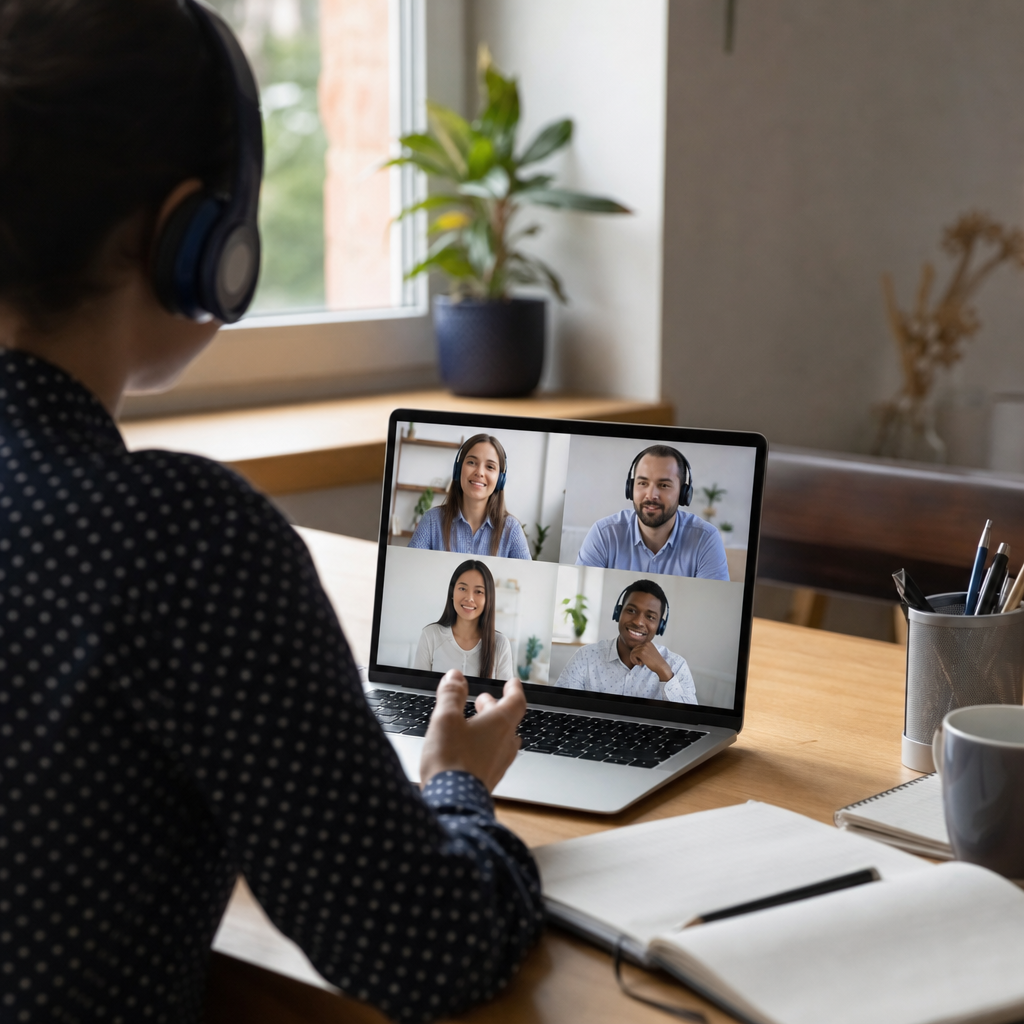
Free live translation for video calls hides three critical failure modes.
Free live translation on video calls sounds like the perfect solution until the tool stops translating 86 seconds into your conversation. We've seen it happen. The assumption most people make is that translation quality degrades the longer a call runs. Our data from 133 sessions, some lasting over two hours, shows the opposite: quality at session close was statistically identical to the opening. The real risk is tools that simply quit mid-sentence.
The three failure modes free tools hide from you
"Unlimited free translation" sounds ideal until you're mid-sentence with a customer or a tech-reluctant parent and the tool simply stops working. The promise falls apart exactly when it matters most.
We tested free translation tools across three call types: customer service conversations, family calls with parents who don't use apps, and fast team standups. Three consistent failure modes emerged:
-
The 86-second dropout. Some tools stop translating outright at 86 seconds. Not a gradual decline, not a quality issue. Just silence. The real failure mode is tools that quit, not translation that degrades over time.
-
Turn-based masquerading as real-time. Several popular apps advertise "live" translation but actually require you to stop talking, wait, then let the other person respond. Fine for reading a menu. Useless for actual conversation flow.
-
The "both sides need the app" trap. Many tools only work if everyone downloads the same app, creates an account, and grants permissions. That works for your tech-savvy colleague. It doesn't work for your grandmother or a customer calling from a landline.
Each failure mode showed up differently depending on the call type. Customer service calls exposed the dropout problem fastest. Family calls revealed the app-dependency issue. Fast standups made turn-based delays obvious within seconds.

Turn-based translation is not real-time translation
Google Translate supports 133 languages and costs nothing. Sounds perfect for calls. The problem: its voice mode is strictly turn-based.
Step 1: You speak. The app listens and processes.
Step 2: You wait. Sometimes a second, sometimes longer.
Step 3: The translation plays. Your conversation partner hears it.
Step 4: They respond. The cycle repeats.
Natural conversation becomes impossible. Most general translation apps cannot translate live phone calls at all. They're built for text, camera, or turn-based conversation mode, not simultaneous bilateral call translation.
We tested this in two scenarios.
Family call with a tech-reluctant parent. The turn-based rhythm confused everyone. Grandmother kept speaking during the translation playback, unsure when it was her turn. Awkward pauses stretched longer. Frustration mounted. The call that should have been warm and easy became a technical obstacle course.
Fast team standup. Turn-based latency destroyed the rhythm within seconds. People talked over each other. The 15-minute meeting dragged to nearly 30. A discussion on translation tools for meetings flagged exactly this issue: tools that work for static text fail completely in fast back-and-forth conversation.
The latency differences are concrete. Some tools sit at 0.5 seconds, others at 1.2 to 1.8 seconds. The latter works for structured meetings but falls apart in rapid exchanges. A proper real-time voice translator handles both speakers simultaneously. Turn-based tools simply cannot.
The 86-second dropout and session limits nobody mentions
LiveLingo offers truly simultaneous voice translation. No turn-based waiting, no awkward pauses. The catch: 5 minutes per day on the free tier. That's roughly one customer service call before hitting the paywall.
Apple's Live Translation looks promising on paper. The reality is more restrictive. It requires iOS 26, specific AirPods, and covers only 5 languages. EU availability? None.
The most frustrating failure mode sits at 86 seconds. Some tools simply stop translating at that mark. No warning, no graceful degradation. Just silence when you need words most.
We tested a customer service scenario: explaining a billing dispute in a second language. The complex part, the part where you're describing transaction dates and disputed charges, typically lands around the 3 to 4 minute mark. A 5-minute cap means the tool quits right as the conversation gets difficult. An 86-second dropout means you never even reach the explanation.
The assumption most people carry is that translation quality fades over longer sessions. Our data from 133 sessions tells a different story. Median session length was 30 minutes, the longest ran over 2 hours. Quality at session close showed 0.000 difference from opening on a 0-5 scale. Length is not the problem. Enterprise contact centers are already adopting real-time translation specifically because sustained accuracy matters more than burst capacity.
A proper phone call translator handles the full conversation. Free tools with hidden caps handle the easy part and disappear when things get complicated.
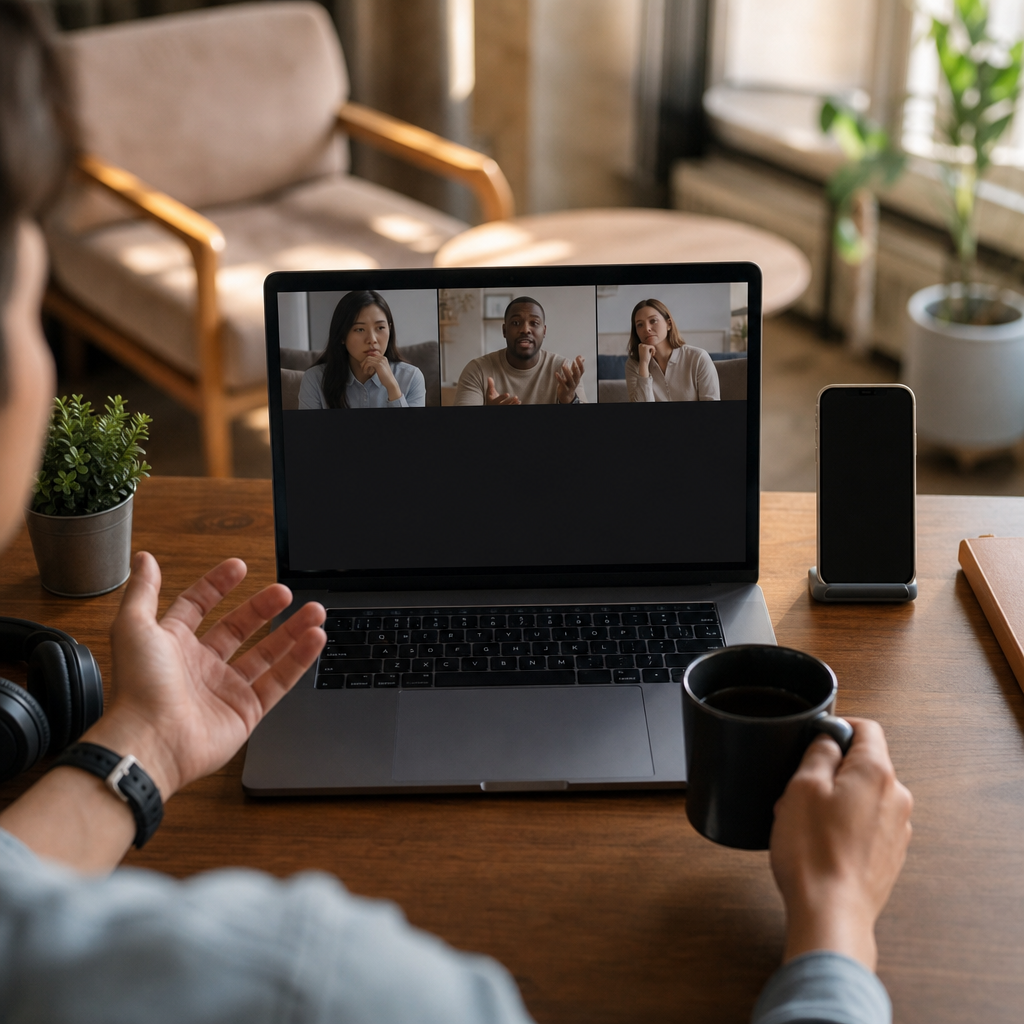
The both sides need the app problem
Many free translation tools assume both parties will download, install, and configure the same app before the conversation starts. That assumption collapses the moment you need to call someone who won't, or can't, install software.
-
The emergency plumber scenario. A Spanish-speaking plumber responding to your flooded kitchen will not download your translation app. They're already in the van. The call needs to happen now, and translation has to work from your side only.
-
The elderly parent scenario. Video calling a parent who struggles with technology already carries friction. Adding app installation, account creation, and microphone permissions to the setup guarantees frustration before anyone says hello. The call that should feel easy becomes a tech support session.
-
The business call scenario. Calling a hotel, a clinic, or a government office abroad? They have no reason to accommodate your app preferences. One-sided translation is the only realistic option.
-
The hidden cost of "free." The real price shows up in troubleshooting time. Minutes spent convincing the other party to install. Failed calls that need restarting. Conversations that never happen because the setup was too complicated.
Using earphones dramatically improves accuracy by reducing background noise and echo. But that practical detail only matters once the translation actually works. A phone call translator that runs entirely from your device sidesteps the installation problem entirely. The other person just hears your voice, translated.
What paid tools actually give you beyond free
The gap between free and paid translation tools shows up in three specific areas: speed, naturalness, and independence from the other caller.
-
Latency that matches real conversation. Some paid tools operate at 0.5 seconds, others at 1.2 to 1.8 seconds. The faster option handles rapid back-and-forth without awkward pauses. The slower option works for structured meetings but falls apart the moment conversation speeds up.
-
Natural-sounding European language pairs. DeepL Voice shows measurable quality advantages specifically on European languages, not in raw accuracy but in idiom and register. A phrase translated into Spanish, French, German, or Italian sounds like something a native speaker would actually say. That naturalness matters when talking with family, customers, or colleagues across EU borders.
-
No setup burden on the other person. Paid tools typically run entirely from your device. The person you're calling just hears your voice, translated. No app download, no account creation, no permissions. Anyone figuring out how to translate a phone call quickly learns this is the difference between calls that happen and calls that don't.
-
Conversations that don't quit mid-sentence. The 86-second dropout, the turn-based delay, the "both sides need the app" friction. Paid tools eliminate all three.
The real cost of free tools isn't money. It's the call that ends before you finish explaining, the family member who gives up on the technology, the customer who hangs up.
Which call types expose free limitations immediately
Step 1: Customer service calls hit the wall first. These conversations need more than 5 minutes. The billing dispute, the insurance claim, the technical support issue. All of them require time to explain context, clarify details, and resolve the problem. A 5-minute cap or an 86-second dropout means the call ends before the actual issue gets addressed. And no business is going to install your translation app to take your call.
Step 2: Family calls with tech-reluctant relatives fall apart at setup. Turn-based translation destroys the natural rhythm of catching up with parents or grandparents. The warmth disappears when every sentence requires a pause, a wait, and a playback. Complex app installation creates frustration before anyone even says hello. The call that should feel like home becomes a technical exercise.
Step 3: Fast team standups expose latency within seconds. Latency above 1 second makes real-time discussion impossible. Turn-based means everyone waits instead of collaborating. The 15-minute sync stretches to 30 minutes. Momentum dies.
The honest verdict: Free tools work for brief, planned, one-sided translation. Reading a sign, checking a phrase, preparing for a conversation. For actual bilateral conversations that matter, free breaks exactly when you need it most. The dropout happens mid-explanation. The setup fails before the call starts. The latency kills the collaboration.
Try Bridgecall free for your next video call and experience what happens when translation actually keeps up with your conversation.
Related Bridgecall Guides
How to Translate a Phone Call Without an App
Use one browser link for a voice-only translated call with no guest installation.
Video Call Translation
Start browser-based translated video calls with voice and subtitles.
Phone Call Translator
Start voice-first multilingual conversations without app installation.
Multilingual Events: What Breaks Live and How to Plan
A practical guide to what breaks during multilingual events and how to plan around it. Learn platform limitations and backup strategies before going live.
Translator earbuds vs app: Which works for group calls?
Earbuds translate what you hear locally. Apps translate the call itself for everyone. The right choice depends on your group call workflow.
Lesser-Spoken European Languages: Why Dialects Break Calls
Your Portuguese grandmother's Alentejo accent or your partner's Sicilian-speaking nonna live just a few hundred kilometers from where translation apps
Ready to start multilingual calls?
Create a Bridgecall room in minutes and let everyone speak in their own language.
Start your 7-day trial