Real-Time Phone Call Translation for Travel: What Works
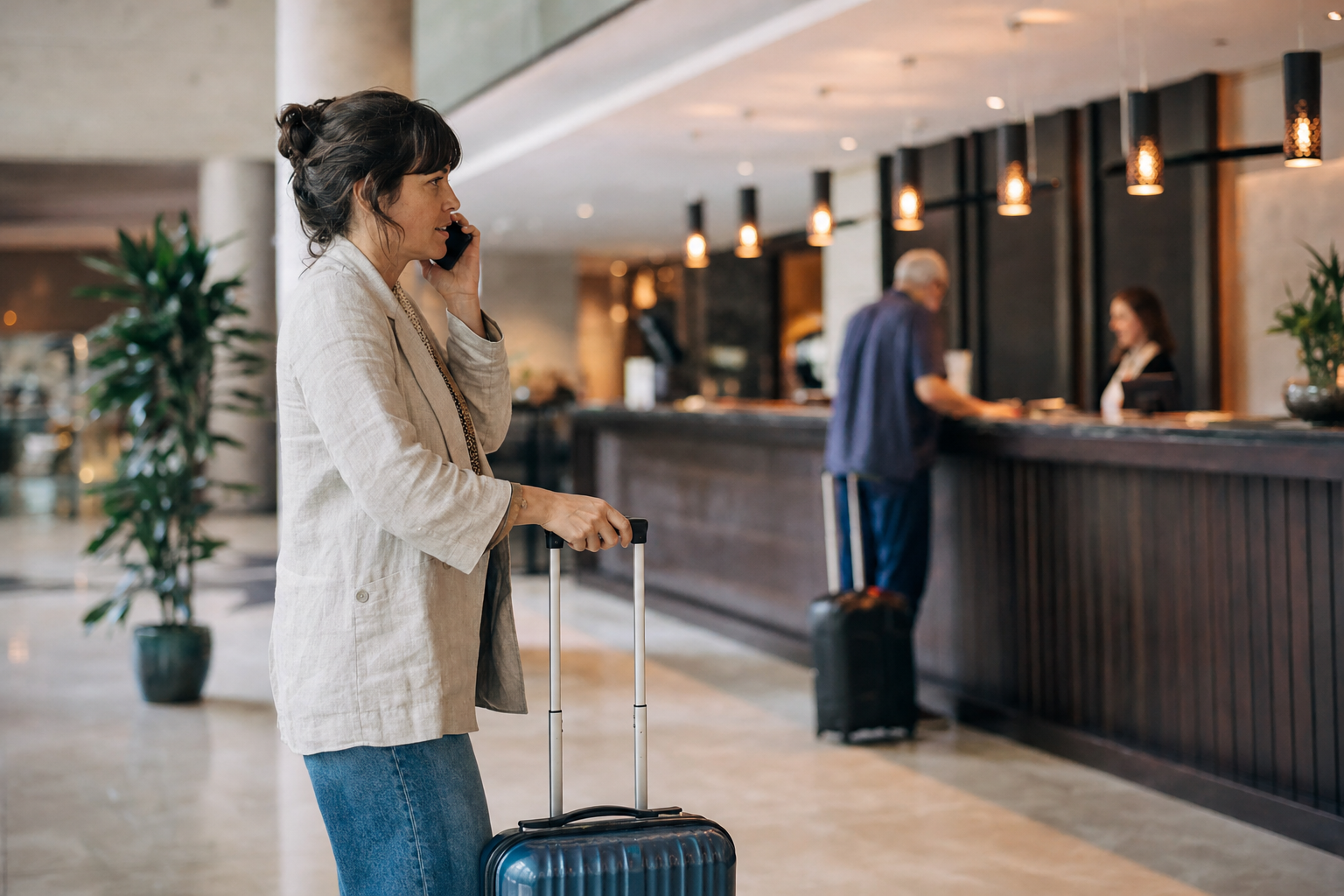
Travel call translation sounds simple until someone hangs up on the robot voice. Here's what actually happens and how to handle the messy moments.
You're standing in a hotel lobby in Tokyo, trying to call ahead to confirm your reservation. The front desk picks up, you switch on your translation app, and three seconds later they hang up. It happens more often than most travellers expect. Real-time call translation has come a long way, with apps that let you dial any number while the other person hears your words in their language automatically. But the gap between how the technology works in demos and how it performs when you actually need it abroad can be frustrating. We've been tracking what breaks down and what actually helps when translation apps meet real-world phone calls.
What actually happens when you translate a call abroad
Every translated call runs through a six-step chain, and understanding it explains why things go wrong. A real time voice translator captures your voice, converts speech to text, detects the language, translates it with AI, synthesizes new audio, then delivers it to the listener. The whole process takes milliseconds when conditions are ideal.
The problem is that conditions abroad are rarely ideal.
- Background noise kills step one. Airport announcements, street traffic, or a busy restaurant lobby can corrupt voice capture before translation even begins.
- Accents and dialects trip up recognition. Speech-to-text models trained on standard accents struggle with regional variations, and stressed hotel staff speaking quickly compound the issue.
- Poor mobile signal breaks the chain. Most translation happens in the cloud, so a weak 4G connection in a rural area means delays, dropped words, or complete failure.
- Two different models exist. Some apps like LiveLingo let recipients hear translated audio automatically on any phone line. Others require both parties to have the same app installed, which is useless when calling a local business.
- Demo videos show perfect conditions. Real travel involves time pressure, background chatter, and someone on the other end who has thirty seconds before the next customer.
Most dedicated call translation apps provide AI-generated summaries after conversations end. That helps, but only if the call actually connects in the first place.

"Six steps, six chances for something to break."
The hotel hung up: Why recipients reject translated calls
The frustrating part is that the technology can work perfectly and still fail. A busy receptionist in Barcelona hears an unfamiliar AI voice instead of a human and assumes it's a spam call or robocall. The line goes dead before you've said a word.
- The AI voice itself triggers rejection. Staff at hotels, taxi services, and restaurants are trained to handle customers quickly. An unexpected synthetic voice greeting breaks their expectations, and hanging up becomes the default response.
- Apps that call any number create this problem. Services like LiveLingo let you dial landlines directly, with the recipient hearing translated audio automatically. No app required on their end. But that convenience comes with a tradeoff: the person answering has no context for why a robotic voice is suddenly speaking their language.
- A quick text first changes everything. Travellers who send a WhatsApp or SMS explaining they'll call with translation software see far fewer hang-ups. One line is enough: "I'm calling in 2 minutes with a translation app. The voice will be AI but it's me."
- Know when to switch tactics. After two failed calls, text-based communication often works better. Many travellers also ask their accommodation to call on their behalf, as noted in guides on phone call translators for tourists.
The technology works. Getting humans to trust it is the harder problem.
The loudspeaker problem in airports and hotel lobbies
Google Translate has a gap most travellers discover at the worst moment. The app cannot translate during a phone call on the same device. The workaround involves a second phone on loudspeaker, with the Listen feature picking up what the other person says. Community testing on Google's support forums confirms the issue: the Listen feature struggles with normal speech speed, making real conversations frustrating and stilted.
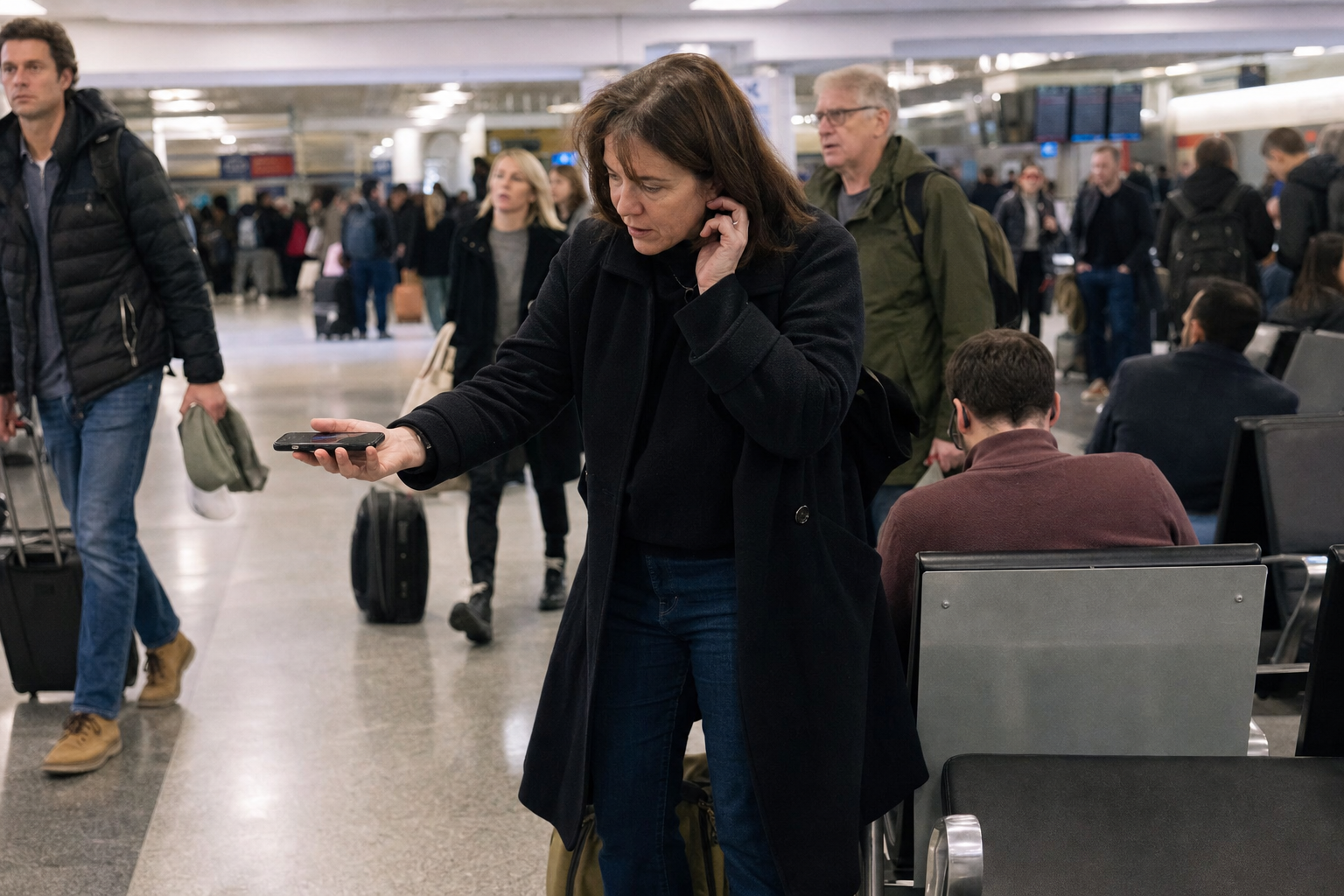
The loudspeaker setup creates another problem entirely. Privacy disappears the moment you hit that speaker button in a crowded terminal. Flight rebookings involve passport numbers. Medical appointment confirmations include personal health details. Payment disputes mean reading card numbers aloud. Everyone within three metres becomes an unwitting participant in your conversation.
We're seeing travellers gravitate toward apps that work differently. Tools like iTourtranslator function as overlays for WhatsApp, Zoom, and other platforms. The translation happens without broadcasting audio to the room. Headphones stay in. Strangers stay out. The conversation remains yours.
A practical split is emerging among frequent travellers. Public calls with low stakes, like confirming a museum's opening hours, can tolerate the loudspeaker method. Anything involving sensitive information gets postponed until a private space is available, or shifts to text-based translation instead. The technology question matters less than the context question: who else is listening?
When both sides try to translate: The collision problem
There's an assumption that feels logical: if translation helps you understand them, surely they should use it too. The reality is messier. Samsung's documentation on live translate calls on Galaxy phones explicitly warns that only one person should use the feature at a time. When both speakers activate translation simultaneously, the output becomes garbled. In some cases, it creates an infinite loop where each phone tries to translate the other's already-translated audio.
This breaks down faster than most people expect. Two travellers, both trying to be helpful, both activating their phone call translator at the same moment. The conversation turns into digital chaos within seconds.
T-Mobile's Live Translation works while roaming in over 100 countries, which makes it appealing for international trips. The same one-sided rule applies. The technology functions best when a single device handles the translation chain, not when two systems compete for the same audio stream.
Frequent travellers are learning to establish the ground rules early. A simple "I have translation on my end" at the start of a call prevents the collision entirely. Apps where translation happens on one side only avoid the problem by design. The person receiving the call hears translated audio without needing any software themselves.
The technology works. It just works best when only one side is running it.
How to switch methods mid-conversation when translation fails
Even the best translation setup can hit a wall mid-call. Experienced travellers learn to read the signs early and pivot before frustration sets in on both sides.
- The warning signs are consistent. Long pauses where the other person clearly didn't understand, confused responses that don't match the question, or the same information requested three times. After two failed attempts at the same point, the technology probably isn't going to suddenly work better.
- Transcripts become your backup. Most call translation apps generate summaries after conversations end. A quick screenshot of the key details, the reservation time, the address, the confirmation number, can be sent via WhatsApp or SMS. The conversation continues, just in a different format.
- Platform switching doesn't mean starting over. Overlay apps that work across WhatsApp, Zoom, Teams, and Skype let travellers move from a voice call to a video chat or text thread without losing context. Someone using iPhone live translation can shift to a messaging app while keeping the same translation support running.
- A prepared phrase saves time. Keeping "Can I send you a message instead?" ready in the local language turns an awkward call failure into a smooth transition. One sentence, typed in advance, stored in notes.
- Partial success still counts. Sometimes all that matters is confirming a pickup time or verifying an address. The full conversation can wait. The essential detail cannot.
The goal is information, not a perfect call.
Decision tree: When to use a human interpreter instead
AI translation handles most travel calls well enough. But "well enough" has limits, and knowing where those limits fall prevents costly mistakes.
Medical situations sit firmly outside the AI zone. Describing symptoms, understanding diagnoses, or following treatment instructions requires clinical accuracy that current technology cannot guarantee. A mistranslated medication dosage or missed allergy warning carries real consequences. Hospitals and clinics in most countries have access to professional medical interpreters for exactly this reason.
Legal and financial matters demand the same standard. Rental disputes, insurance claims, or police reports create records that may matter later. If you would ever need to prove what was said in a conversation, AI translation does not qualify as documentation. No court accepts "the app said" as evidence.
Emotional conversations present a subtler challenge. Complaints, negotiations, or situations where tone matters as much as words lose nuance through synthetic voices. The difference between firm and aggressive, apologetic and dismissive, often disappears in translation. A human interpreter reads context that algorithms miss.
High-stakes bookings follow the same logic. When getting it wrong costs significant money or strands you somewhere, the investment in human help pays for itself. A €50 interpreter fee looks reasonable next to a €500 non-refundable booking gone wrong.
The pattern is clear. Routine calls suit AI. Consequential calls need humans.
Bridgecall handles the technical complexity so you can focus on your conversation. Try it before your next trip and test it with a low-stakes call first.
Related Bridgecall Guides
How to Translate a Phone Call Without an App
Use one browser link for a voice-only translated call with no guest installation.
Video Call Translation
Start browser-based translated video calls with voice and subtitles.
Phone Call Translator
Start voice-first multilingual conversations without app installation.
Real-Time Phone Translation: AI in Telehealth
Not every telehealth call needs a professional interpreter. Learn which conversations suit AI translation and when medical accuracy requires a
Video Call Translator for Community Events
Running a community webinar with 3-5 languages? Free tools fall short and enterprise platforms cost too much.
Zoom Live Translation Captions for Research Teams
General translation tools fail on specialized research terminology. Learn which workflows actually work for multilingual academic team meetings.
Ready to start multilingual calls?
Create a Bridgecall room in minutes and let everyone speak in their own language.
Get started