Video Call Translator for Community Events

Running a community webinar with 3-5 languages? Free tools fall short and enterprise platforms cost too much.
Community organizers are stuck between two bad options. Enterprise webinar platforms charge premium prices for real-time translation, while free tools barely scratch the surface. Less than 17% of the world speaks English, yet most event platforms still treat multilingual support as a luxury feature. The gap between what communities need and what they can afford keeps growing.
The community organizer's translation dilemma
Picture a 50-person neighborhood association meeting. Attendees speak Spanish, Arabic, Portuguese, and English. There's no IT department, no budget for per-session interpreter fees, and the person organizing it all is a volunteer squeezing this work between a day job and family responsibilities.
This scenario plays out constantly across diaspora groups, tenant associations, and community health networks. Less than 17% of the world speaks English, yet most webinar platforms still assume English-first audiences. The rest either get limited language options or price tags designed for corporate budgets.
Community organizers face two bad choices. Option one: free built-in tools like Microsoft Teams Interpreter or Google Meet's translation features. Sources consistently indicate these have significant limitations compared to dedicated platforms. They work for basic needs but often fall short when multiple languages are in play simultaneously.
Option two: enterprise solutions like KUDO, Interprefy, or Wordly. These platforms handle complex multilingual events well. They're also built for organizations with dedicated event teams and procurement departments. The pricing reflects that reality.
The market has created a clear gap. Enterprise tools serve corporations. Free tools serve casual users. Community organizers fall somewhere in between, with real multilingual needs but none of the infrastructure or budget that enterprise platforms assume.
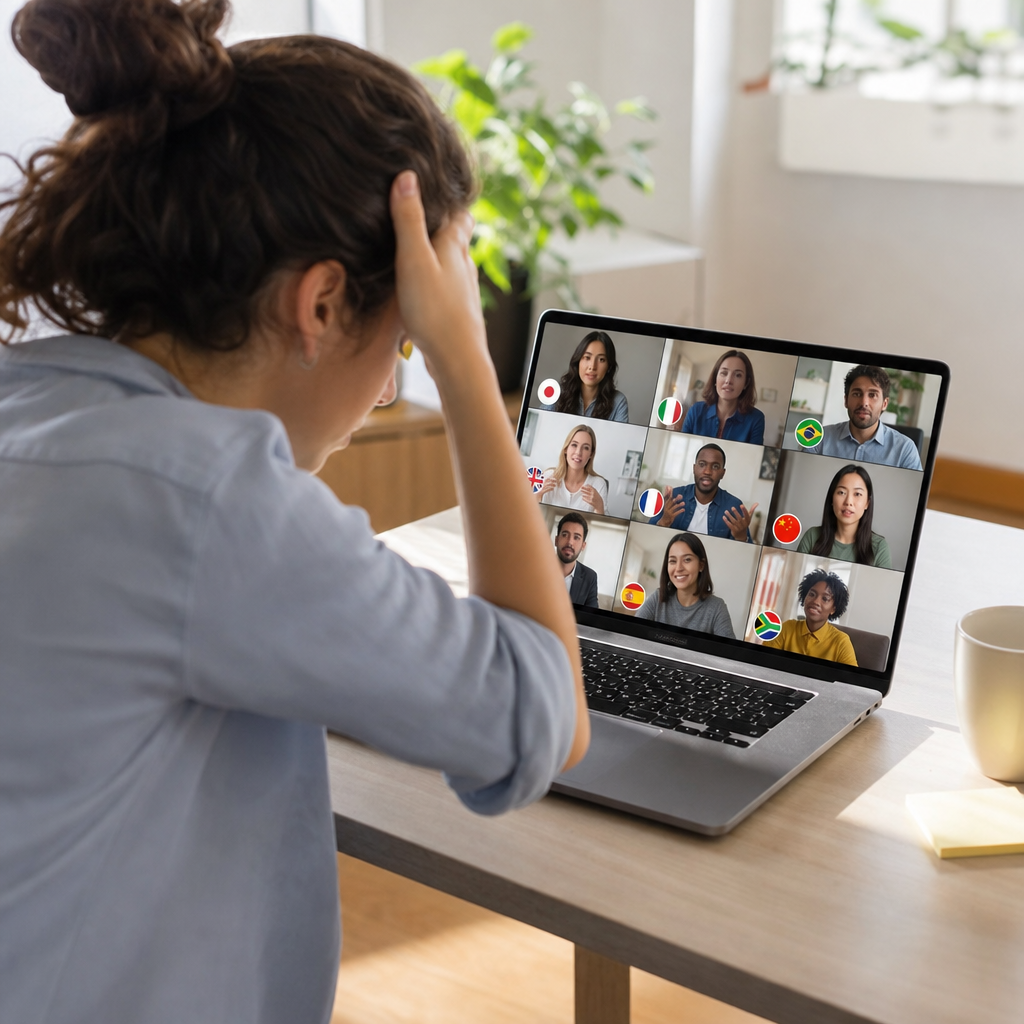
Why free built-in translation disappoints at community scale
Microsoft Teams and Google Meet both offer real-time translation features, and they work reasonably well for casual use. The problems emerge when community organizers try to rely on them for events where multiple languages matter equally.
-
Quality varies wildly by language pair. English to Spanish might perform acceptably. English to Arabic or Portuguese often shows noticeable drops in accuracy. For a neighborhood association with four languages in the room, that inconsistency creates a two-tier experience.
-
Lag disrupts the flow of live discussion. When captions trail several seconds behind the speaker, Q&A sessions fall apart. The parent trying to follow a school board discussion misses context. The elder watching a community health briefing drops off entirely because the delay makes participation impossible.
-
Features differ based on account type. What works in one organization's setup may not exist in another's. Free accounts, paid accounts, and enterprise accounts all behave differently, leaving volunteer organizers guessing about what attendees will actually see.
-
Format switching breaks translation entirely. Webex, for example, does not support real-time translation in webcast view for attendees or in meetings started from a space. Organizers who shift between meeting formats mid-campaign suddenly lose access to the translation features their community depends on.
These limitations stay invisible during planning. They become painfully clear when someone's grandmother can't understand what the housing authority just announced.
Enterprise platforms: Built for corporate budgets
The alternative to free tools sits at the opposite extreme. KUDO, Interprefy, and Wordly occupy a different category entirely, purpose-built for large-scale multilingual events. A recent overview of the best real-time translators for meetings groups these platforms separately from everyday communication tools. The distinction matters.
Wordly, for instance, claims to support tens of thousands of translation users per session. That kind of capacity serves Fortune 500 shareholder meetings and international conferences. It also signals pricing and infrastructure expectations that community organizers simply cannot meet.
The business models compound the problem. Per-event fees make budget planning a guessing game. A tenant association expecting 40 people might see 80 show up if the housing authority announces rent increases that week. Suddenly the translation bill doubles. Per-minute pricing creates similar anxiety. Organizers start watching the clock instead of focusing on their community's needs.
Then there's the setup overhead. Enterprise platforms assume dedicated account managers, technical training sessions, and IT teams who can handle integration requirements. They expect someone on staff whose job includes managing event technology. Community organizers have none of this. They have a volunteer with a laptop and two hours on Saturday morning to figure things out.
The result is a market that serves corporations well and leaves everyone else behind. Enterprise tools work beautifully for those who can afford them. For the neighborhood association trying to include everyone in the conversation, they might as well not exist.
What community-scale translation actually needs
The requirements are specific. A typical community event involves 20 to 100 participants, three to five languages, and one person handling everything without technical support. Budget predictability matters enormously. Costs that spike when attendance doubles make planning impossible for volunteer-run organizations.
Platform limitations make this harder. Webex real-time translation only supports 16 spoken languages for transcription. Languages like Tagalog, Vietnamese, and dozens of regional dialects simply aren't covered. For diaspora communities where these languages dominate, the feature might as well not exist.
Hardware alternatives show the demand is real. Physical translator devices like the Vasco Q1 sell for $489 and remain popular at in-person conferences. People want dedicated translation that works reliably. The problem is these devices weren't designed for video calls. They solve one scenario while leaving another completely unaddressed.
A real-time voice translator bridges this gap in a way that matches how communities actually meet. It works directly within calls, no special hardware required, no platform switching mid-event. The volunteer organizer running a Saturday morning tenant association meeting doesn't need to learn a new system or distribute devices to 60 attendees.
The core need comes down to this: translation that works across languages, scales with attendance, stays within budget, and doesn't require an IT department to manage. Community organizers have been waiting for exactly this category to exist.
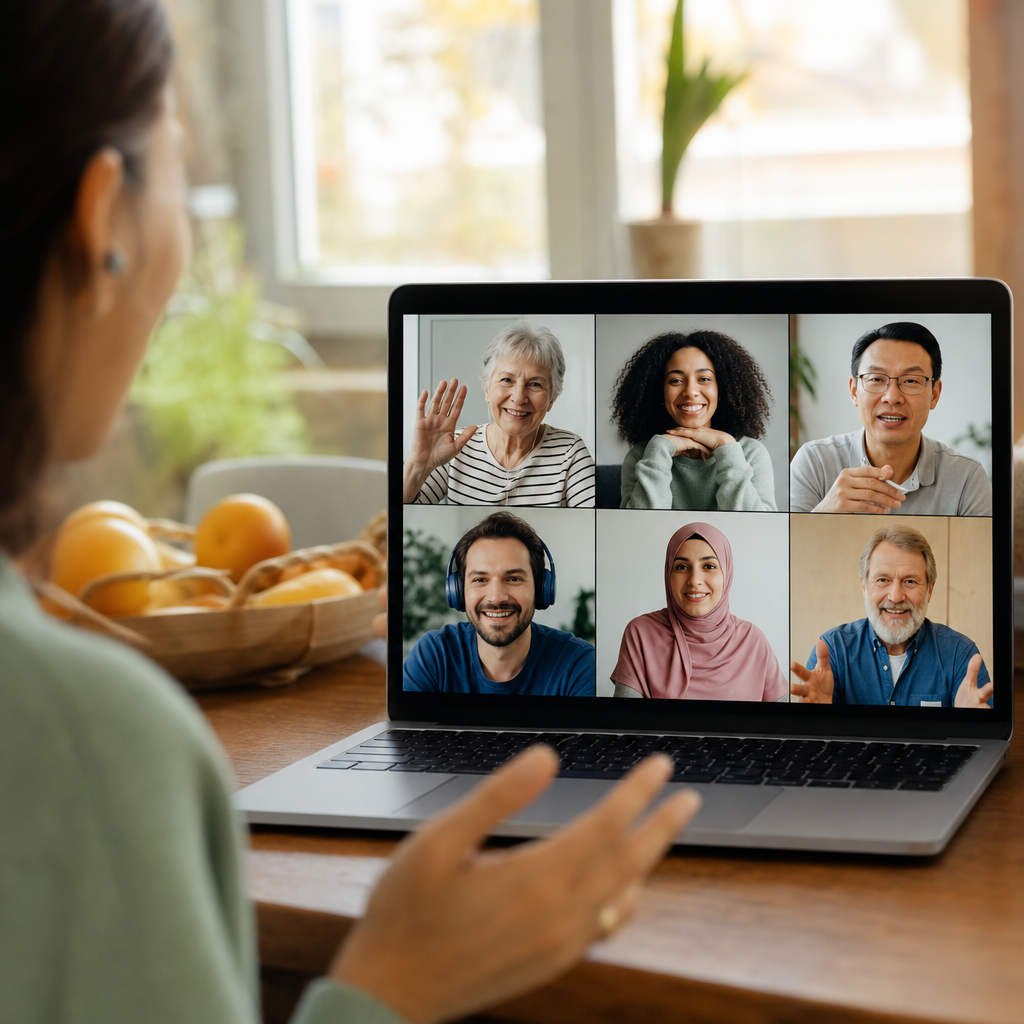
Practical setup for multilingual community webinars
A nonprofit running a town hall with Spanish, English, and Mandarin speakers faces a familiar challenge. Three language groups, one Zoom call, zero IT support. The good news: translation layers on top of existing platforms rather than replacing them.
Step 1: Keep the platform everyone knows. Organizers already comfortable with Zoom don't need to switch. A Zoom call translator approach adds translation capabilities without forcing attendees to download new software or create accounts elsewhere.
Step 2: Assign language channels before the event. Each language group gets captions in their preferred language. The Mandarin-speaking grandmother and the Spanish-speaking tenant see the same presentation, understood in their own words.
Step 3: Handle Q&A in any language. This is where most setups fall apart. Someone asks a question in Spanish. The English-speaking presenter needs to understand it. The Mandarin-speaking attendees need to follow the exchange. Real-time translation handles the entire loop, question and answer both, so nobody waits for a volunteer to manually interpret.
Step 4: Test with one participant from each language group. Fifteen minutes before the event catches problems that would otherwise surface mid-discussion.
Organizations that incorporate real-time language translation into their events consistently report higher engagement from audiences that would otherwise sit silently or skip the meeting entirely. The accessibility bar stays low: if the organizer can join a Zoom call, they can add translation.
When you still need a human interpreter
Automated translation handles most community conversations well. Some situations still require a qualified human interpreter.
-
Legal proceedings demand certified accuracy. Housing court hearings, immigration paperwork reviews, and any discussion that could become evidence later need professional interpreters who can certify their work. The stakes are too high for approximation.
-
Medical consent discussions require precision. When a doctor explains surgical risks or a patient agrees to treatment, every word carries weight. Automated tools can miss the nuance that determines whether someone truly understood what they agreed to.
-
Technical terminology in specialized fields varies. Financial disclosures, insurance claims, and regulatory compliance conversations often hinge on exact phrasing. Human interpreters trained in these domains catch distinctions that general-purpose translation misses.
-
General community events work beautifully with automated translation. Neighborhood updates, social gatherings, Q&A sessions about local services, and relationship-building conversations between community members fit perfectly. The goal is connection, not legal documentation.
A hybrid approach makes sense for many organizations. Real-time translation covers the general session, keeping everyone engaged and informed. A professional interpreter joins for the fifteen-minute agenda item where certified accuracy matters. The budget goes where it's needed most.
Testing language pairs before the event catches potential issues early. A quick phone call translation check with one speaker from each language group takes five minutes and prevents surprises during the actual webinar.
Running a multilingual community event? Test Bridgecall with your language pairs before your next webinar and see how real-time translation works for groups.
Related Bridgecall Guides
How to Translate a Phone Call Without an App
Use one browser link for a voice-only translated call with no guest installation.
Video Call Translation
Start browser-based translated video calls with voice and subtitles.
Phone Call Translator
Start voice-first multilingual conversations without app installation.
Zoom Live Translation Captions for Research Teams
General translation tools fail on specialized research terminology. Learn which workflows actually work for multilingual academic team meetings.
Phone Call Translator Apps for Europe Travel 2026
Planning Europe travel in 2026? Learn which phone call translator options actually work across carriers, roaming scenarios, and low-connectivity
Translate phone calls from Spanish to English: app workflow
Phone calls are harder to translate than in-person chats. This workflow shows how to set up Spanish-English call translation and keep conversations
Ready to start multilingual calls?
Create a Bridgecall room in minutes and let everyone speak in their own language.
Get started