Translate phone calls from Spanish to English: app workflow

Phone calls are harder to translate than in-person chats. This workflow shows how to set up Spanish-English call translation and keep conversations
Spanish to English calls make up one of the highest volume translation pairs globally, and the workflow for handling them in real time has become surprisingly straightforward. The technical barrier that once required professional interpreters or clunky delay systems has dropped to under half a second of latency. That's fast enough to maintain natural conversation flow. We're seeing apps process these calls with consistent quality across sessions lasting 30 minutes or longer, with some running past the two-hour mark without degradation.
Why phone calls are harder to translate than face-to-face
Face-to-face conversation comes with built-in redundancy. A raised eyebrow, a hand gesture, the way someone leans forward. These cues fill gaps when words get lost. Phone calls strip all of that away.
The audio itself creates problems. Compression algorithms squeeze voice data to save bandwidth, and that compression cuts frequencies that help distinguish similar sounds. Add background noise, a speaker standing too far from the microphone, or a weak connection, and recognition accuracy drops further. Translation systems can only work with what they receive.
Then there's pacing. People speak faster on phone calls than they do in person. Interruptions happen more often too. When both speakers overlap, even sophisticated systems struggle to separate the audio streams. Samsung's Live Translate feature actually warns users that only one person should use it at a time, or translation errors will occur.
These challenges show up constantly in user feedback. A discussion among Spanish speakers on Facebook captures the frustration well, with users describing how general translation tools fail them during actual phone calls despite working fine for text or slower speech.
The technical gap between translating a calm, well-lit video call and a choppy phone conversation is significant. Most tools are optimized for the former.
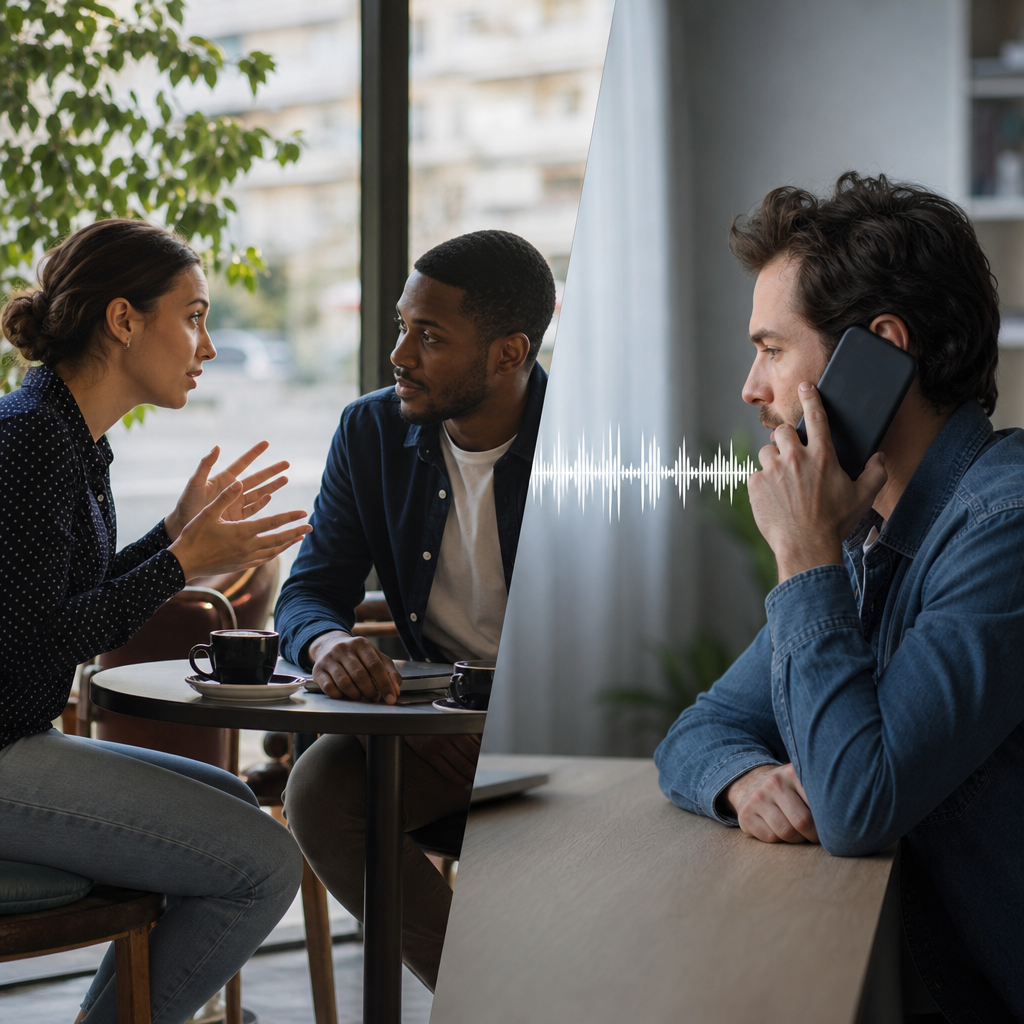
The latency sweet spot for natural turn-taking
Step 1: The half-second threshold
Natural conversation depends on timing. When translation delay stretches past 0.5 seconds, speakers lose their rhythm. Both people start talking at once, or awkward silences stretch out while each waits for the other. AI Call and similar purpose-built tools now operate under this 0.5-second mark across 100+ languages. That's the threshold where turn-taking still feels natural.
Step 2: Where general tools fall short
Most translation apps weren't built for live calls. They're optimized for typed text or recorded clips, and that shows in their timing. Latency often sits at 1 to 2 seconds, sometimes longer. For a real-time voice translator handling actual phone conversations, that gap creates constant friction.
Step 3: Why Spanish-English performs well
Language structure matters for speed. Spanish and English share similar sentence patterns, with subjects typically appearing before verbs and objects following after. Translation systems can start outputting words before the speaker finishes. Compare that to English-Japanese, where the verb often sits at the end of a sentence. The system has to wait for the full thought before it can translate accurately.
Step 4: Consistency over time
Speed only matters if it holds. We're seeing quality scores that measure 0.000 difference between the opening and end of sessions, even across calls lasting 30 minutes or more. The longest measured session ran past two hours with no degradation. Latency stays consistent because it's baked into the architecture, not dependent on server load or connection quality alone.
Step-by-step app setup before your call
The configuration process takes about two minutes, and most of it happens once.
Language pair selection comes first. Spanish and English sit at the top of most app menus given their volume. The key detail: assigning which language you speak versus which you'll hear. Getting this backwards creates confusion the moment the call connects.
Audio routing choices depend on context. Speakerphone works for hands-free situations, while earpiece with microphone offers privacy in shared spaces. The routing selection affects how clearly the app picks up your voice, so matching it to your environment matters.
The other person needs nothing. No app download, no account creation, no payment. They just answer a regular phone call.
That recipient-friendly design shows up across iTourtranslator, LiveLingo, and similar tools. The friction sits entirely on one side of the call. For anyone figuring out how to translate a phone call, this removes the biggest coordination headache.
A 30-second test call before anything important reveals problems worth catching early. Microphone pickup varies by device and case. Translation display placement differs between apps. Better to discover these quirks with a quick practice run than during a conversation that actually matters.
We're seeing users skip this step and regret it. The primary failure mode in real-time translation isn't gradual quality loss. It's complete system stoppage, measured at 86 seconds median in failed sessions. A brief test catches configuration issues before they derail a real call.
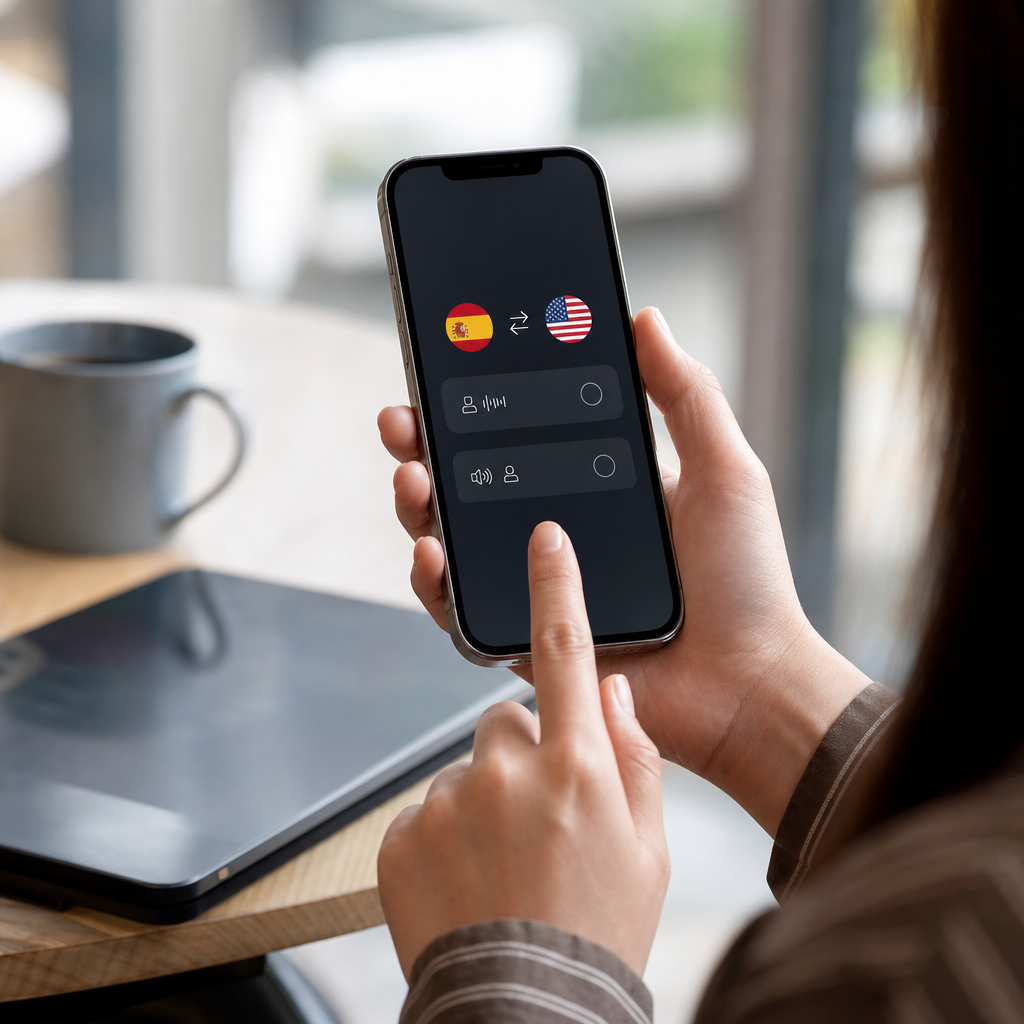
One-sided vs both-sided translation: when your caller needs the app
The distinction between one-sided and both-sided translation determines whether one person or both need the app running during a call.
-
One-sided translation covers situations where you understand the incoming language but need help producing responses. A Spanish speaker who comprehends English but struggles to reply fluently falls into this category. Only one device runs the translation, and the other person just talks normally.
-
Both-sided translation applies when neither speaker understands the other's language at all. Both directions need active translation output, which doubles the processing demand on the system.
-
Samsung's documentation on Live Translate calls on your Galaxy phone makes a notable restriction clear: only one person should use the feature at a time, or translation errors will occur. That limitation reflects the technical challenge of separating two overlapping audio streams while translating in both directions.
-
Purpose-built call translation apps handle bidirectional conversation differently. They're architected from the start to manage simultaneous input from both speakers, processing each direction independently rather than competing for the same audio channel.
-
The practical difference shows up in call flow. With one-at-a-time systems, speakers must consciously pause and wait. With bidirectional tools, conversation pacing stays closer to normal.
For calls where both parties truly need translation, the app architecture matters more than the feature list.
What happens in longer calls: stability and failure modes
The assumption that translation quality degrades over time doesn't hold up in the data. Across 133 sessions with a median duration of 30 minutes, quality scores at session end measured identical to the opening. The longest session ran past two hours with no measurable difference.
That stability matters for Spanish-English business calls and family conversations alike. A weekly call with relatives abroad or a detailed contract negotiation can run well over an hour. The translation keeps pace throughout.
The actual risk looks different. Quality doesn't fade. Systems stop. When failures occur, they happen fast, with a median of 86 seconds in affected sessions. One moment the call flows normally, the next the translation cuts out entirely.
Connection drops cause most of these stoppages. Mobile networks fluctuate. WiFi signals weaken when someone moves to another room. A phone call translator can only work with the audio it receives, and when that stream breaks, translation pauses with it.
The recovery process is quick. Reconnecting picks up where the conversation left off without losing context. Both speakers typically realize what happened and simply continue. No need to start over or repeat everything from the beginning.
For calls expected to run long, the practical approach is simple awareness. Quality won't be the issue. Watching for any sudden silence in the translation output catches problems before they stretch into confusion.
Built-in phone translation vs dedicated apps
Native phone translation arrived in 2026. iOS 26, Samsung Galaxy, and T-Mobile's '87' feature all ship with built-in call translation. The catch: these solutions tie users to specific hardware, carriers, or language pairs. Someone on an older iPhone or a regional carrier simply doesn't have access.
Dedicated apps work differently. They run across any phone and any calling platform without carrier restrictions. That flexibility matters when the person on the other end of the line uses completely different hardware.
The gap isn't about quality. It's about access. Native tools work brilliantly for the subset of users who qualify. Everyone else needs an alternative.
For Spanish-English calls specifically, the options have matured. Tools targeting real-time translation for international client calls in Spanish focus on professional contexts where consistency matters more than occasional convenience. A consultant handling weekly client calls needs predictable performance, not a feature that works only when both parties happen to use compatible phones.
The pricing model splits clearly. Free tiers exist across most apps, typically with daily time limits around 3 minutes. That's enough for quick coordination calls. Regular users, especially those handling business conversations or family catch-ups running past an hour, benefit from paid plans that remove per-call restrictions.
The pattern we're seeing: professionals start with free tiers to test quality, then move to paid plans once the workflow proves reliable.
Try Bridgecall for your next Spanish-English phone call and experience natural, bidirectional translation without hardware limits.
Related Bridgecall Guides
How to Translate a Phone Call Without an App
Use one browser link for a voice-only translated call with no guest installation.
Video Call Translation
Start browser-based translated video calls with voice and subtitles.
Phone Call Translator
Start voice-first multilingual conversations without app installation.
Telehealth Call Translation: When to Use an Interpreter
Not every telehealth call needs a certified interpreter. Learn which health conversations require professional interpretation and when translation apps
Translate Phone Calls From Spanish to English: 4 Methods
Pick your Spanish to English translation method based on failure consequences, not features. Four approaches ranked by stakes and recovery options.
Lesser-Spoken European Languages: Why Dialects Break Calls
Your Portuguese grandmother's Alentejo accent or your partner's Sicilian-speaking nonna live just a few hundred kilometers from where translation apps
Ready to start multilingual calls?
Create a Bridgecall room in minutes and let everyone speak in their own language.
Get started