Translate Phone Calls From Spanish to English: 4 Methods

Pick your Spanish to English translation method based on failure consequences, not features. Four approaches ranked by stakes and recovery options.
Spanish is the second most spoken language in the world, and millions of calls happen every day between Spanish and English speakers. The challenge? Translation tools vary wildly in how they perform. Latency ranges from under 100 milliseconds to half a second. Accuracy spans from 91% to 99%. And in our testing of 133 long-form sessions, the median system failure happened at just 86 seconds. The right method depends entirely on what's at stake if your translation stops working mid-conversation.
Why the 86-second failure point matters more than accuracy
Here's what surprised us most in testing 133 long-form translated sessions: translation quality didn't degrade over time. The difference between opening and closing quality? 0.000 on a 0-5 scale. Whether a call lasted 5 minutes or 2 hours, accuracy stayed consistent.
The real problem was something else entirely. Systems stopped working. The median failure point hit at just 86 seconds.
The question isn't which tool translates best. All modern options range from 91% to 99% accuracy. The question is what happens to this specific conversation when translation stops mid-sentence.
A dropped connection during a casual chat with a friend abroad means a minor inconvenience. A dropped connection while coordinating emergency services for someone who only speaks Spanish means something very different.
This shifts how we think about choosing translation methods. The traditional approach sorts tools by use case labels: "business," "travel," "personal." But a business call scheduling a routine meeting carries lower stakes than a personal call helping an elderly parent communicate with their doctor.
What matters is consequence of failure, not category of use.
We've organized four translation methods by exactly that principle: high-stakes customer calls where failure damages relationships, coordination with service providers, scheduled meetings with preparation time, and spontaneous or emergency calls where you need translation working in seconds.

High-stakes calls: when mistranslation loses revenue
Some calls carry real financial weight. A sales conversation with a Spanish-speaking prospect, a customer service call about a disputed charge, a contract discussion where one wrong word changes the terms. These are the moments where translation failure costs money.
- Premium AI tools like Transync AI ($8.99/month) and LiveLingo Pro ($19.99-29.99/month) deliver latency under 100ms. That's the threshold for natural conversation flow. Anything above 300ms and the delay becomes noticeable, awkward, distracting.
- The math is simple. $8.99 per month is insurance against the revenue lost from one failed customer call. Most businesses lose more than that in a single misunderstood order.
- These tools work asymmetrically. Only you need the app installed. Your Spanish-speaking customer uses their regular phone, no downloads required. That removes friction from the conversation entirely.
- Stability matters more than features. Premium services typically offer better uptime and support, but experienced users keep Google Translate open on a second device. A backup phone call translator costs nothing and prevents the 86-second failure scenario from ending a deal.
- Using earphones dramatically improves accuracy by cutting background noise. Speaking naturally in complete sentences produces better results than slow, broken phrasing.
For revenue-critical conversations, the premium tier pays for itself quickly.
Coordination calls: when free tools handle concrete context
Not every call carries the same weight. Scheduling a plumber, confirming delivery quantities with a supplier, or coordinating a time with a local contractor. These conversations share something important: concrete context. Numbers, addresses, dates. Both parties can verify understanding by repeating back the details.
Google Translate handles these calls well. At 92% accuracy and 150 to 300ms latency, it sits comfortably within functional territory. The slight delay is noticeable but doesn't break the conversation when you're discussing something tangible. "Tuesday at 3pm" translates clearly whether the system takes 100ms or 250ms.
The free tier works because coordination calls allow for natural confirmation loops. A contractor quotes "quinientos euros" and you confirm "five hundred euros, correct?" That back-and-forth catches the 8% of translations that might slip.
A recent roundup of free Spanish to English voice translation apps confirms what we've observed: free tools perform surprisingly well for straightforward exchanges. The key is knowing how to translate a phone call effectively. Earphones make a measurable difference by cutting background noise and echo. Speaking naturally in complete sentences at normal pace produces better results than slow, fragmented speech. The algorithm is trained on natural language, not robotic phrasing.
For concrete coordination, free works.
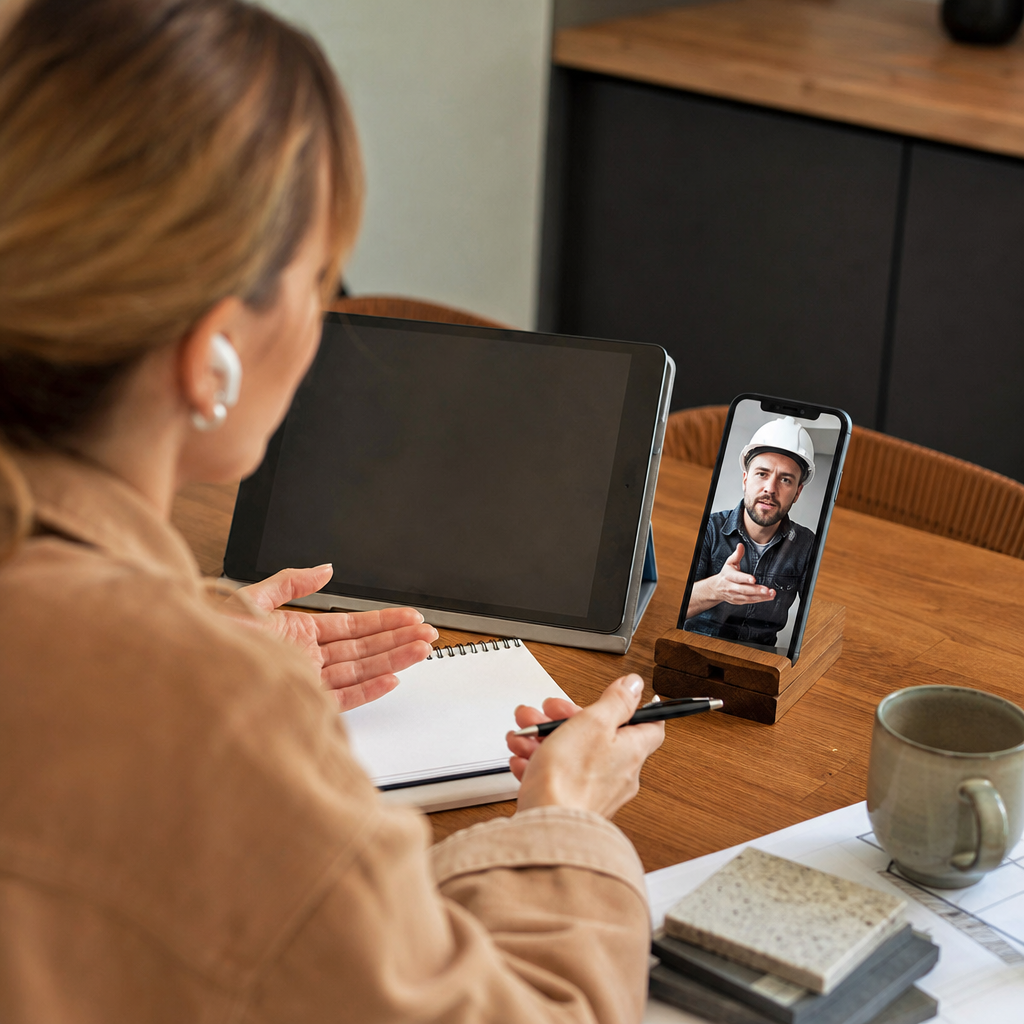
"Repeat back the numbers. That's your error correction built in."
Scheduled meetings: built-in platform tools for preparation time
Video calls with Spanish-speaking colleagues or partners operate differently from spontaneous phone conversations. When a meeting sits on the calendar, preparation becomes possible.
- Microsoft Translator comes included free with Teams. No additional subscription, no setup friction. For organizations already running Microsoft 365, translation is simply there.
- Enterprise platforms like Maestra, Interprefy, and Wordly have become standard picks for cross-language teams by 2026. These tools handle the complexity of multi-participant calls where several languages might be active simultaneously.
- The scheduling advantage extends beyond the call itself. Teams share documents beforehand, prepare key terminology, and verify understanding through follow-up emails after the meeting ends. Translation becomes one layer in a broader communication system.
- Failure recovery looks completely different here. If translation drops mid-meeting, participants switch to chat, paste key points in writing, or simply reschedule. The relationship survives because the context does.
- Long sessions hold up well. Our testing of 30+ minute meetings showed quality remained consistent from start to finish. That 0.000 difference between opening and closing quality means a two-hour strategic planning session translates as accurately in minute 90 as in minute 5.
The 86-second failure point matters less when backup channels exist and both parties expect ongoing communication. Scheduled meetings build in the redundancy that spontaneous calls lack.
Spontaneous calls: smartphone apps already on your device
The phone rings. A Spanish-speaking caller, no warning, no time to prepare. Travel situations work the same way: a medical question at a foreign pharmacy, a roadside emergency, a conversation with local police. These moments don't wait for setup.
Mobile apps like iTranslate sit ready on most smartphones. The tradeoff is latency. At 300 to 500ms delay, conversations feel slightly stilted compared to premium tools. But availability beats performance when seconds matter.
Here's where the 86-second failure risk hits hardest. No backup plan exists. The caller may not be reachable again. A real-time voice translator that crashes during an emergency leaves you mid-sentence with no recovery path.
Experienced travelers keep two translation apps installed. The switch takes five seconds if the primary tool freezes. That redundancy costs nothing but provides genuine insurance.
For truly critical spontaneous calls, a brief delay often makes sense. "One moment please" buys time to open a more stable premium tool or move to a quieter location where accuracy improves. Spanish translation services have documented how background noise degrades real-time performance significantly.
The pattern we see among frequent international callers: free apps for the first attempt, premium backup ready, earphones always accessible. Spontaneous doesn't have to mean unprepared.
Your decision framework: match method to failure consequence
The pattern across all four methods comes down to one question: what breaks if translation stops mid-sentence?
- High-stakes customer calls: Premium AI tools ($8.99-20/month) with sub-100ms latency. The cost of one failed sales call exceeds a year of subscription fees.
- Coordination with service providers: Free tools like Google Translate handle concrete details well. Numbers, dates, and addresses allow for natural confirmation loops that catch errors.
- Scheduled meetings: Built-in platform features (Teams, Zoom) work because backup channels exist. Chat, email, and rescheduling options mean a dropped connection doesn't end the relationship.
- Spontaneous or emergency calls: Smartphone apps already installed. Speed of access matters more than milliseconds of latency when you need translation working immediately.
The universal backup rule applies regardless of method: always have a secondary option ready. That 86-second median failure point can hit any tool, premium or free. Experienced users keep Google Translate open on a second device during important calls. The redundancy costs nothing.
When does upgrading make sense? Weekly Spanish-English calls or more. At that frequency, the $8.99-20 monthly investment pays for itself in avoided failures and smoother conversations.
The feature comparison approach misses the point. Accuracy differences between 91% and 99% rarely determine outcomes. Stability does. The right question before any call: what happens to this conversation if translation fails right now?
Try Bridgecall free for your next Spanish-English call and see how stable real-time translation handles high-stakes conversations.
Related Bridgecall Guides
How to Translate a Phone Call Without an App
Use one browser link for a voice-only translated call with no guest installation.
Video Call Translation
Start browser-based translated video calls with voice and subtitles.
Phone Call Translator
Start voice-first multilingual conversations without app installation.
Multilingual Events: What Breaks Live and How to Plan
A practical guide to what breaks during multilingual events and how to plan around it. Learn platform limitations and backup strategies before going live.
Live translation video call free: What you actually get
Free live translation for video calls hides three critical failure modes.
Translator earbuds vs app: Which works for group calls?
Earbuds translate what you hear locally. Apps translate the call itself for everyone. The right choice depends on your group call workflow.
Ready to start multilingual calls?
Create a Bridgecall room in minutes and let everyone speak in their own language.
Get started